Gemini Prompt For Zombie Apocalypse
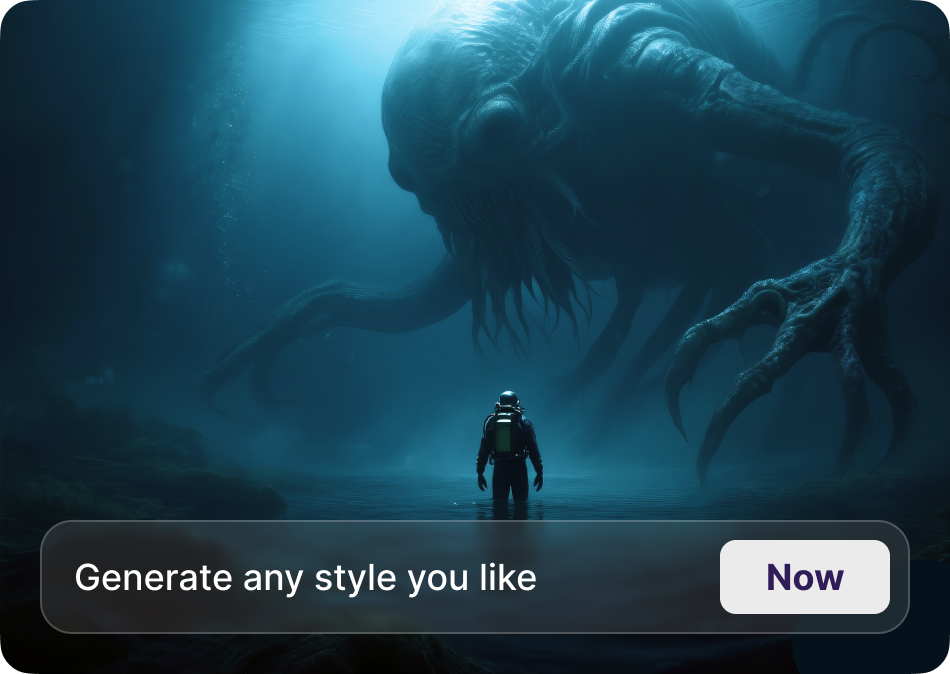
Choose the Zombie Apocalypse Style That Fits Your Vision
Browse cinematic, comic book, realistic, and anime-inspired filters. Find the perfect visual language for your undead world and generate it in seconds.
Why Pixdream Is Perfect for Zombie Apocalypse Prompts
Generate haunting, cinematic, and highly detailed zombie apocalypse visuals without complex prompt engineering. Just describe your scene, choose a filter, and let AI handle the rest.
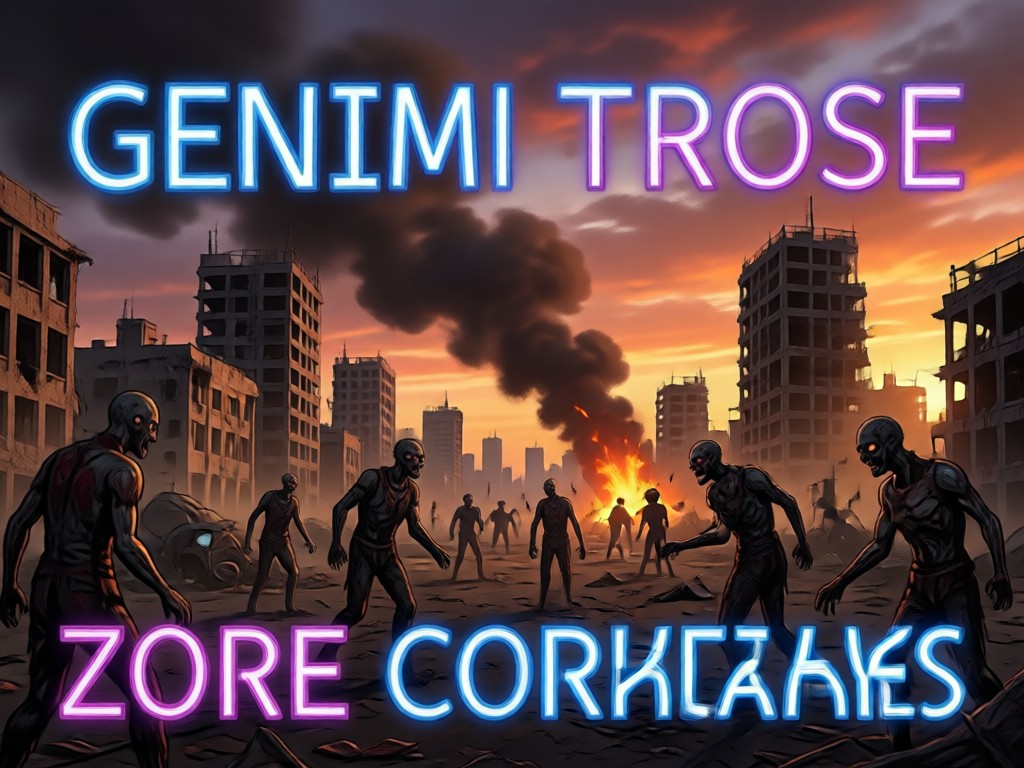
Cinematic Atmosphere
Create moody, film-like zombie apocalypse scenes with dramatic lighting, fog, and post-apocalyptic color grading that pulls viewers into your story.
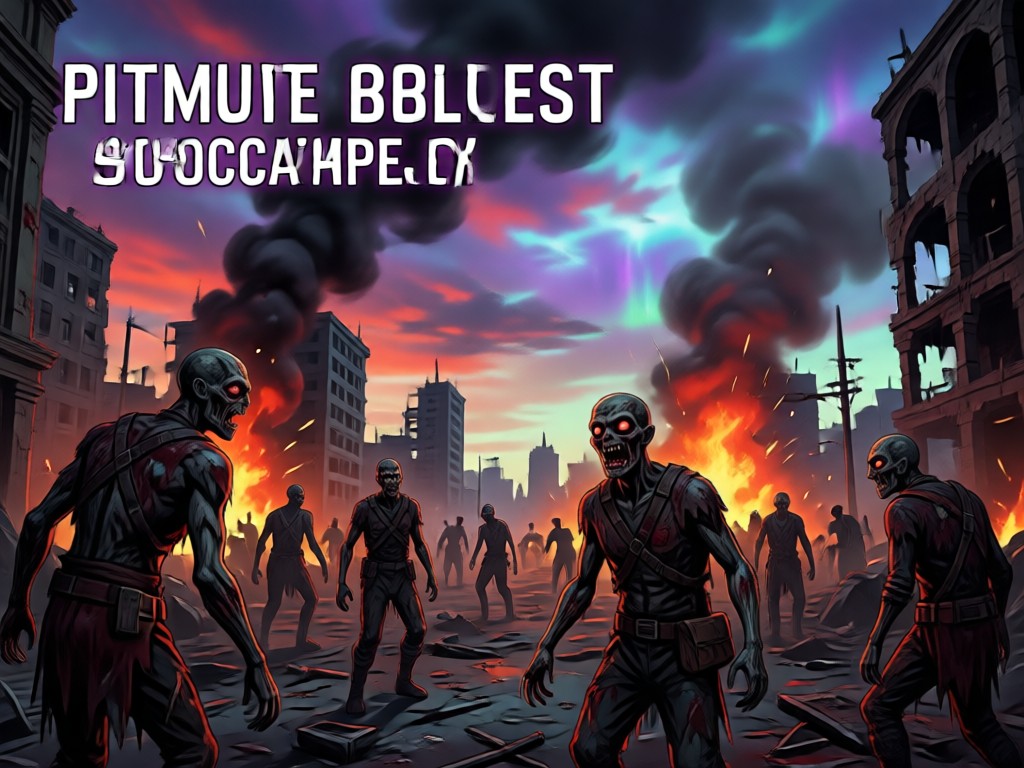
Style Variety
Switch between realistic photography, graphic novel, anime, and 3D clay styles to express your zombie apocalypse world in completely different visual languages.
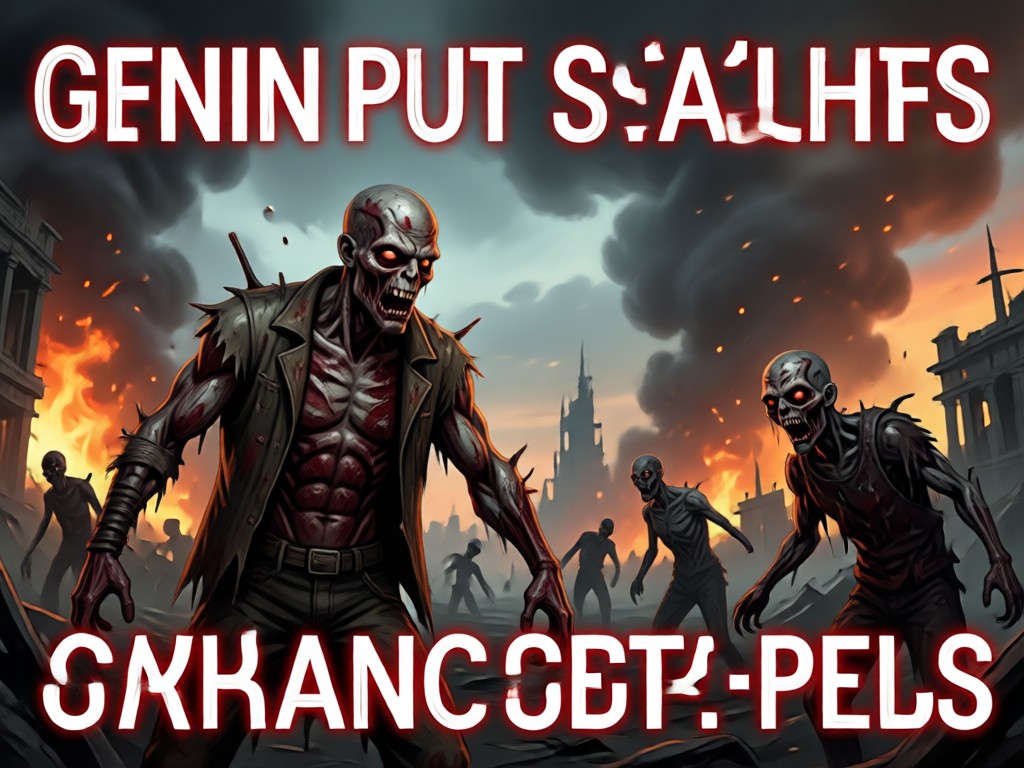
Character Consistency
Keep your survivor character recognizable across multiple scenes while exploring new environments, emotions, and action sequences in your undead universe.
Zombie Apocalypse AI Art Gallery
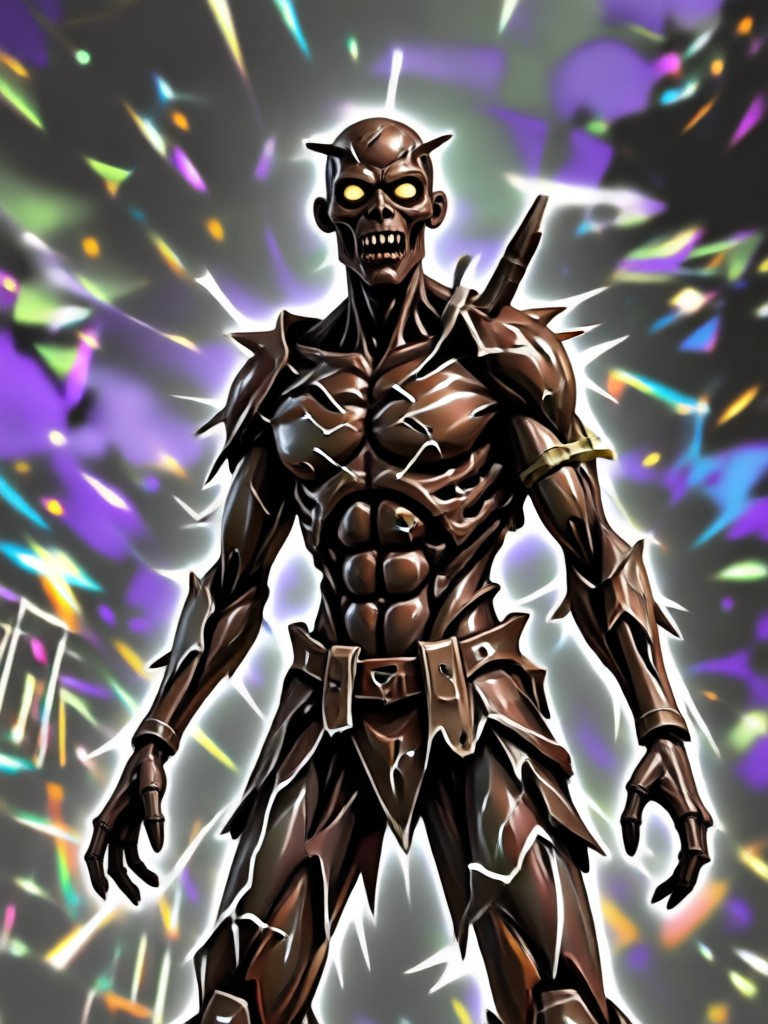
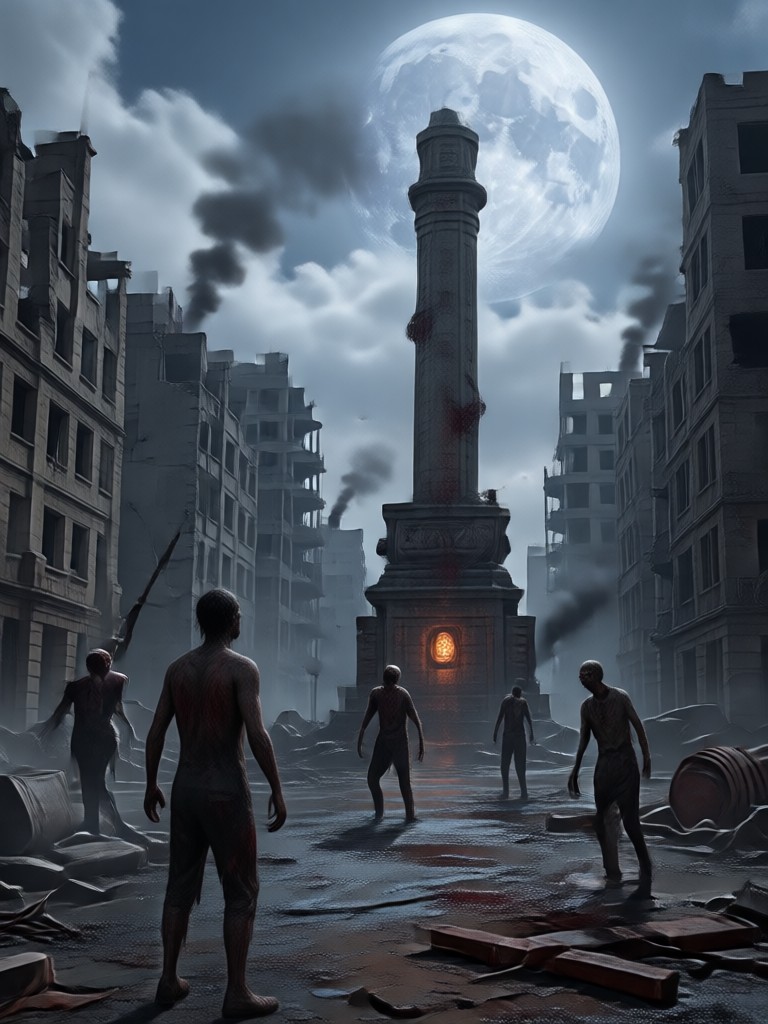
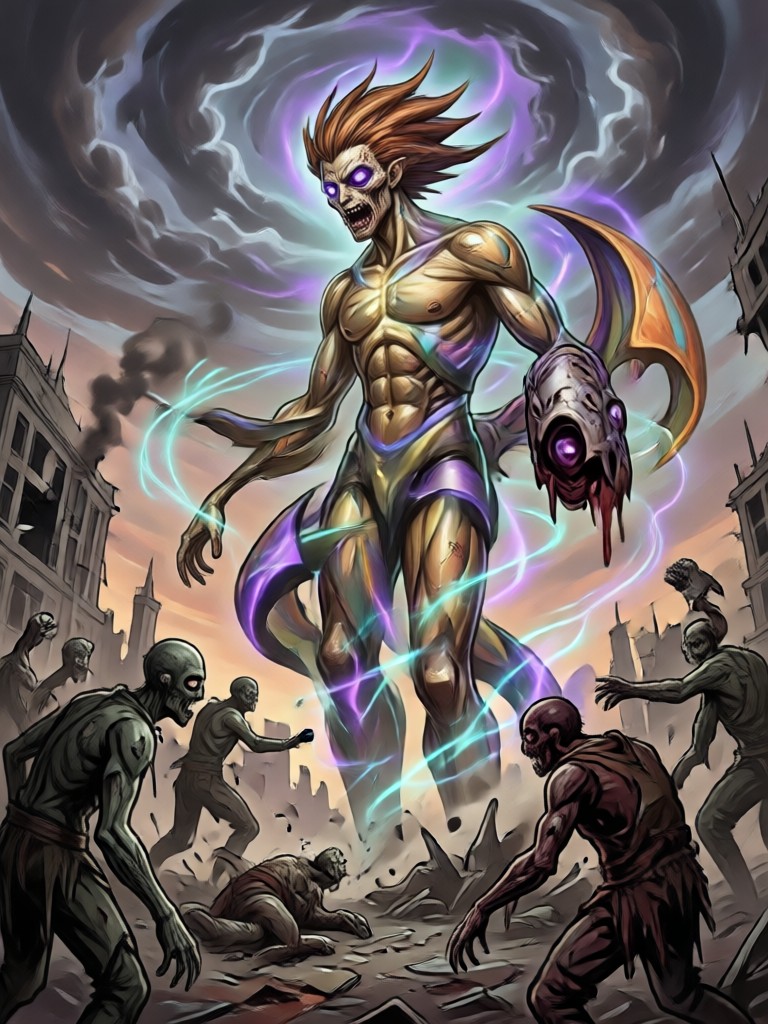
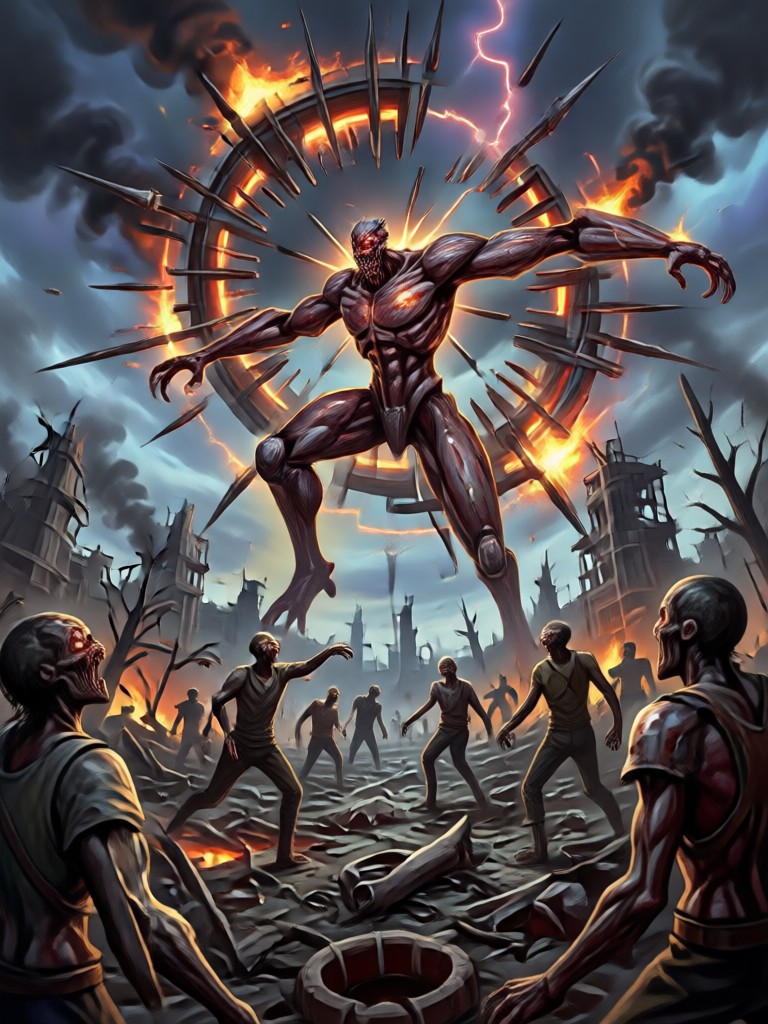
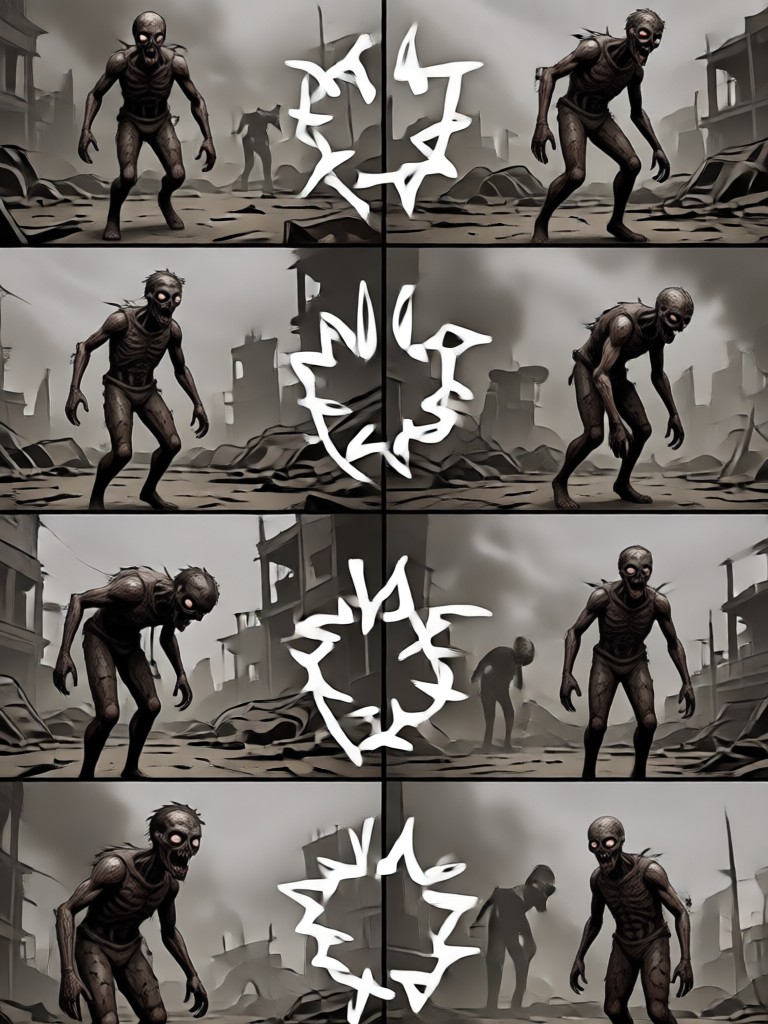
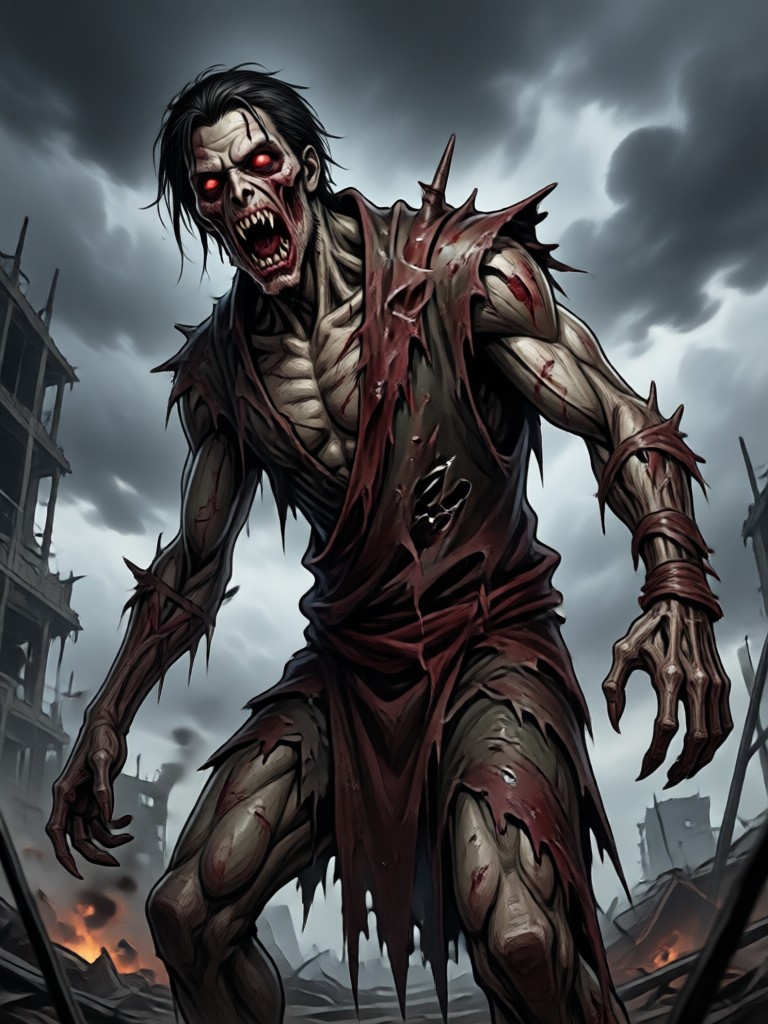
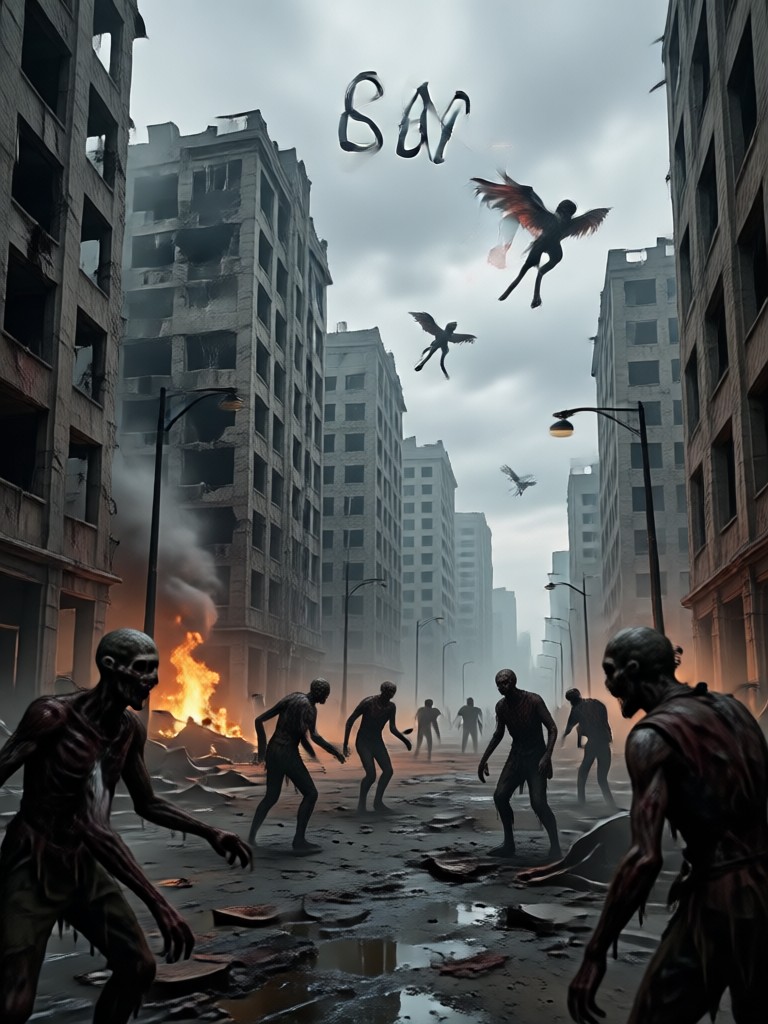
Explore a collection of AI-generated zombie apocalypse scenes created with Pixdream. From desolate streets to heroic last stands, see what Gemini prompts can build.
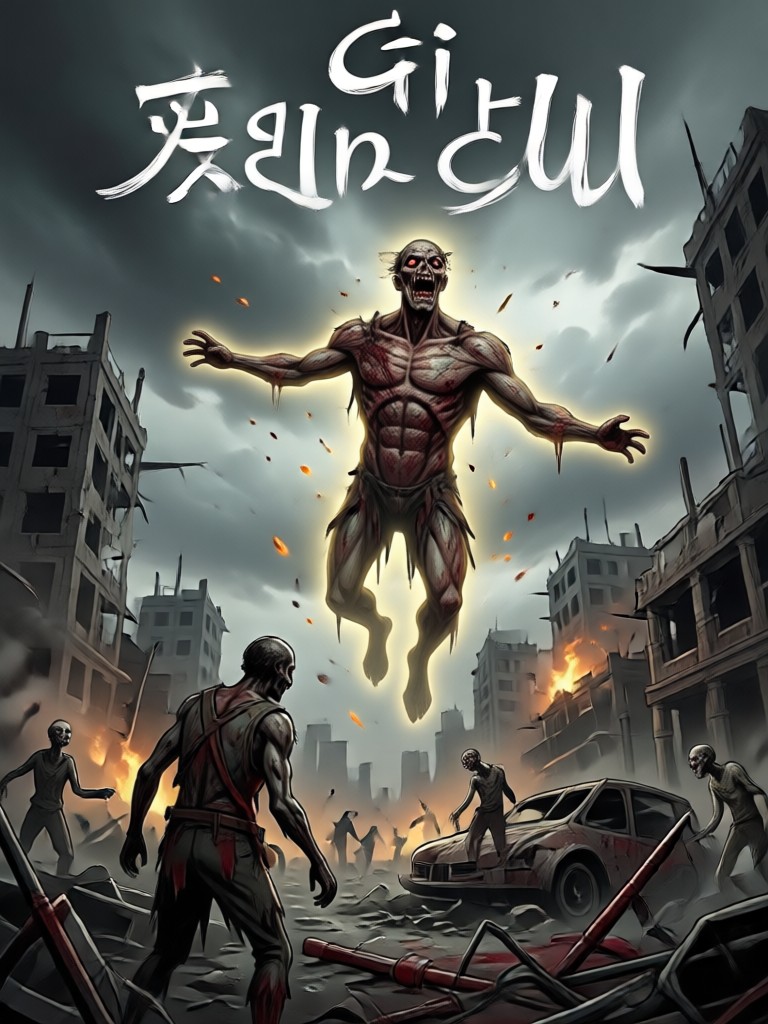
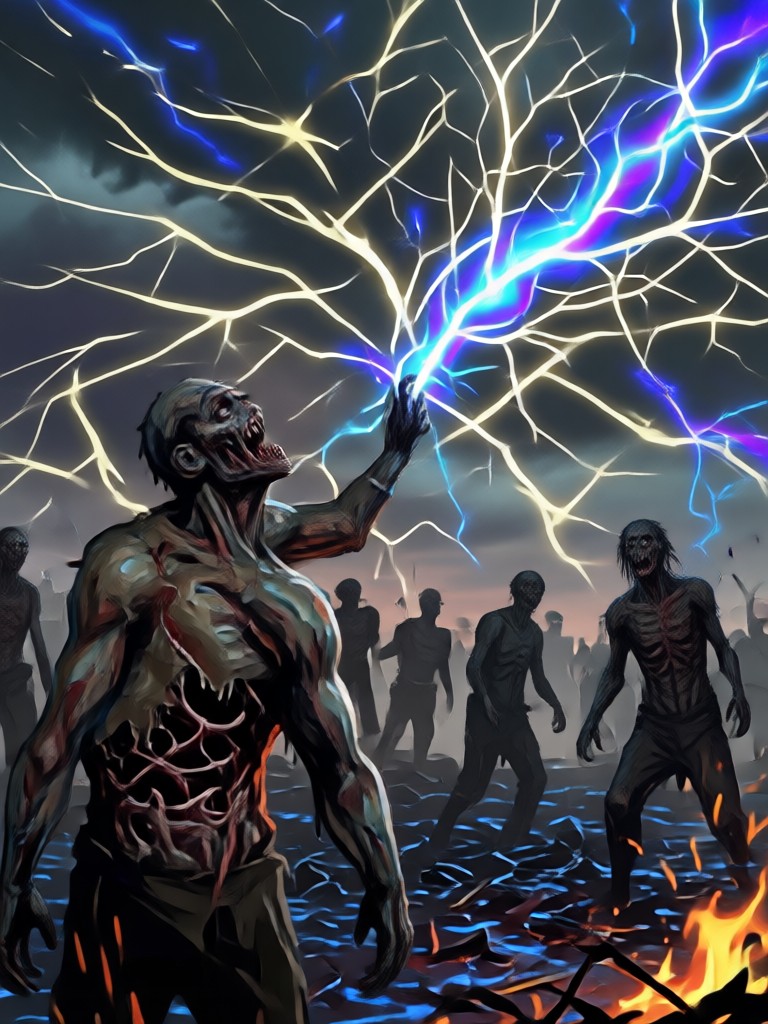
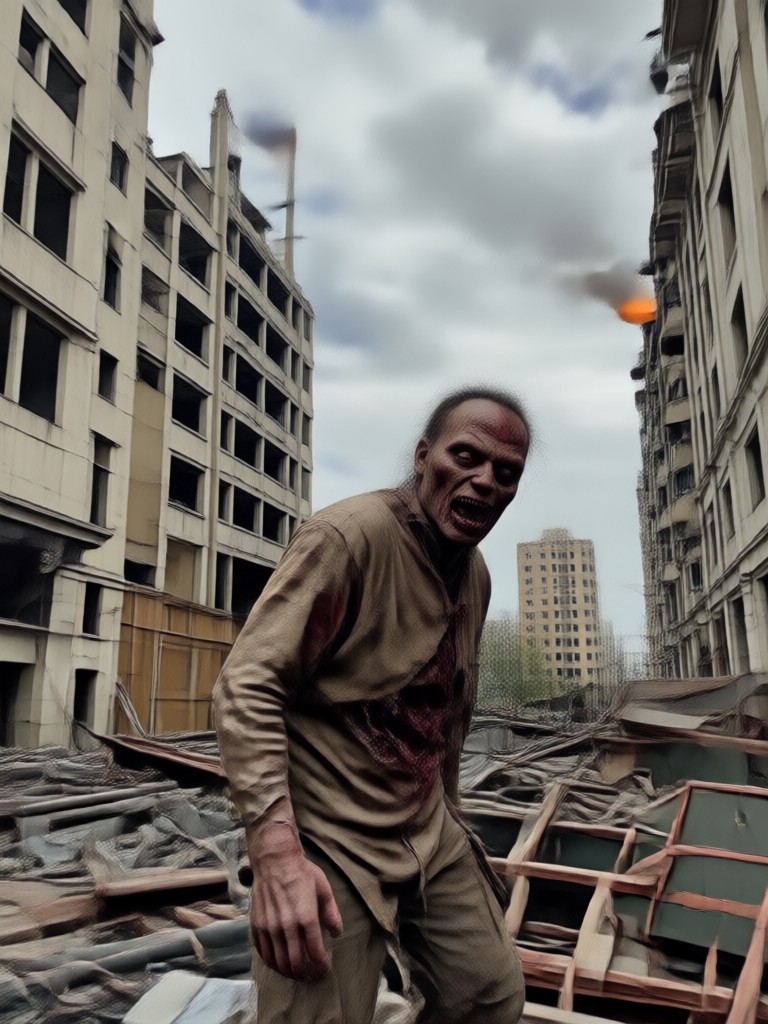
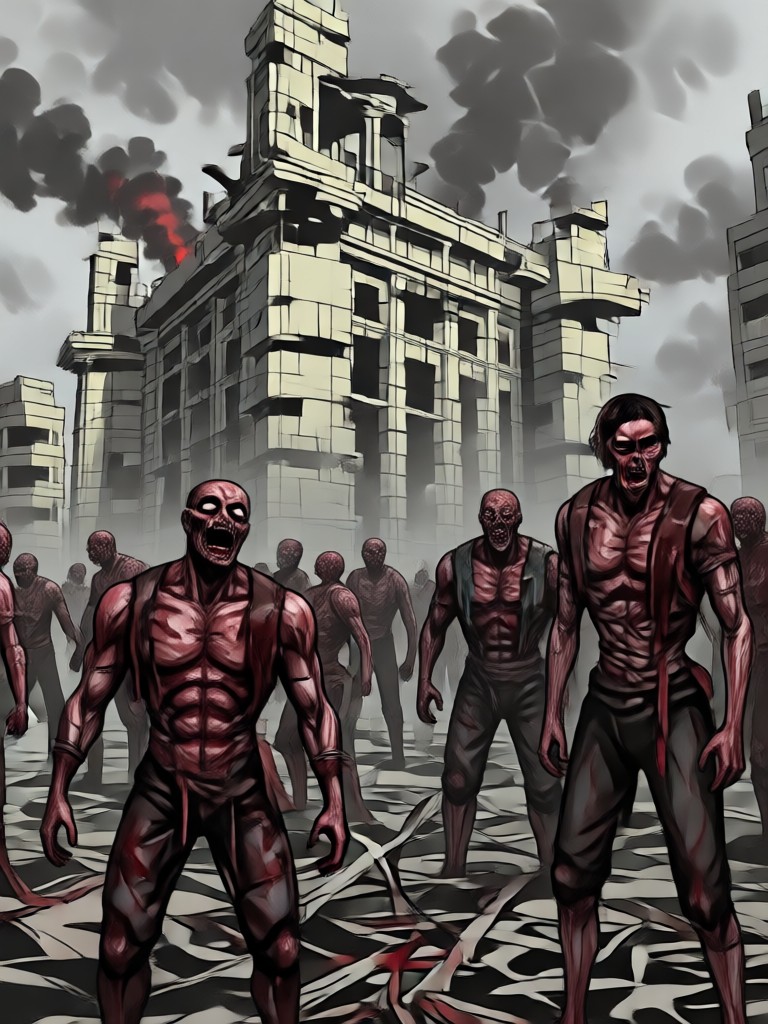
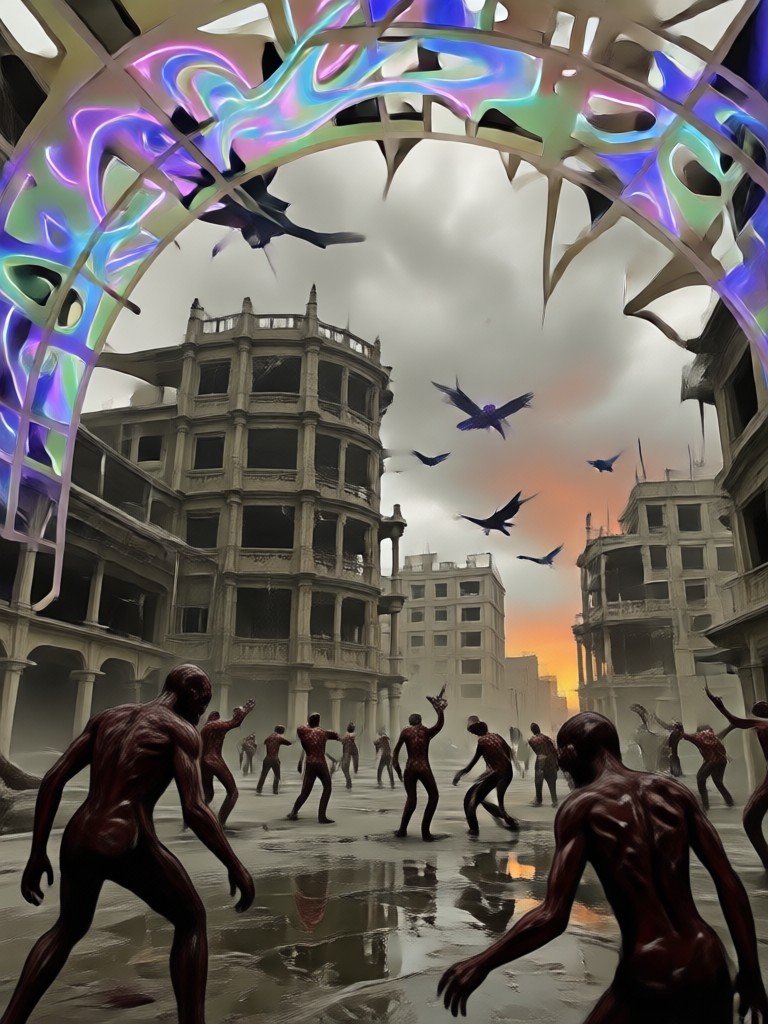
How to Create Zombie Apocalypse Scenes with Gemini Prompts
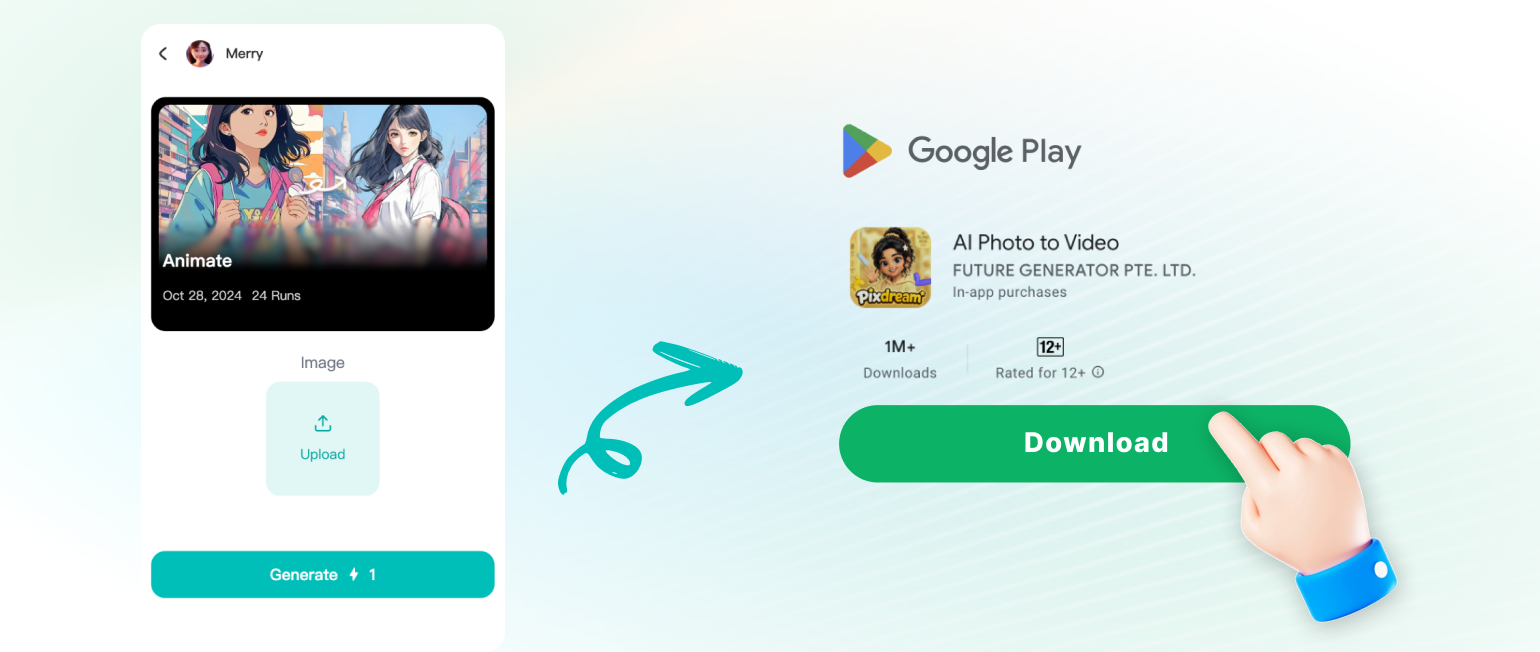
Turn a simple text description into a stunning zombie apocalypse visual in three easy steps using the Pixdream app.
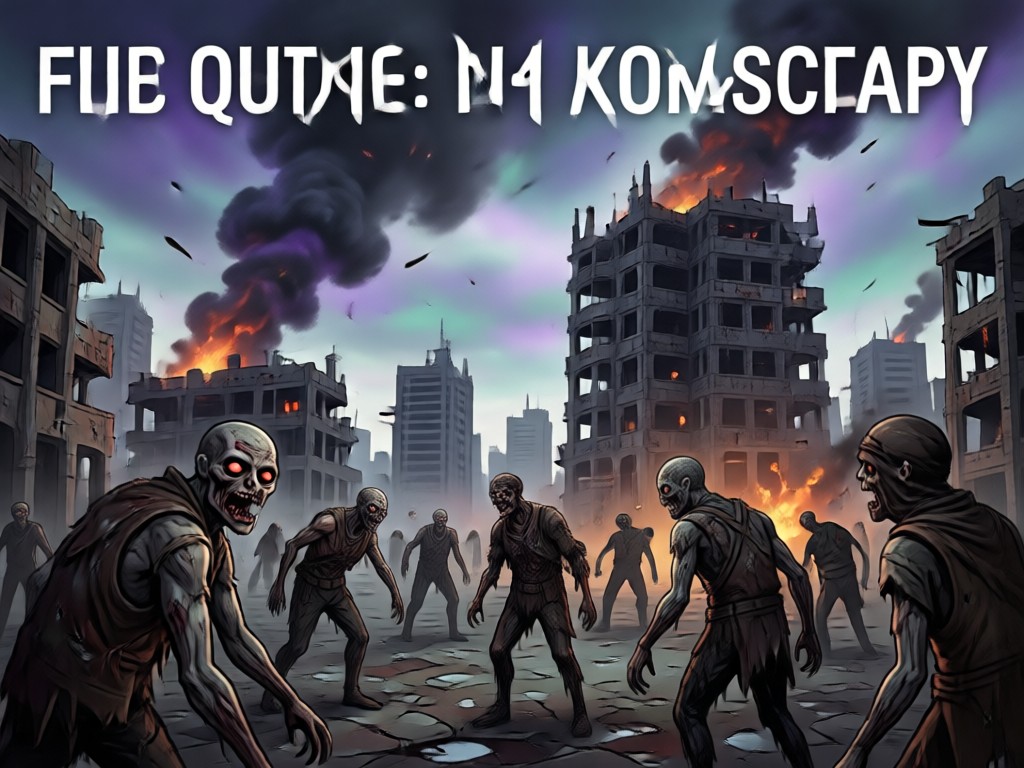
Craft Unforgettable Zombie Apocalypse Worlds
Gemini prompts for zombie apocalypse scenes unlock a new level of creative control. Describe the survivors, the horde, the weather, and the mood. Pixdream translates every word into a vivid image or video. Whether you are a storyteller building concept art, a gamer designing characters, or a content creator chasing viral visuals, this tool gives you the power to generate cinematic undead worlds without touching a single design program.
From Empty Streets to Epic Battles
Use Gemini prompt for zombie apocalypse scenes to create everything from quiet, eerie moments of survival to massive action sequences. Upload reference images or start from pure text. Pixdream preserves your subject features while transforming the world around them. Generate zombie apocalypse portraits, wide landscape shots, and dynamic group scenes with consistent lighting and atmospheric detail.
Here is What People Think About Pixdream
Perfect for zombie story concept art
I am writing a post-apocalyptic novel and needed visual references for my chapters. The zombie apocalypse prompts on Pixdream gave me exactly the moody, cinematic shots I imagined. The style variety is incredible.
My gaming group loves these
We use Pixdream to generate zombie apocalypse character portraits for our tabletop RPG campaign. Everyone gets a custom survivor image that matches their backstory. Super easy to use.
Viral zombie content made simple
I create horror shorts on social media and Pixdream saves me hours of work. The zombie prompts generate thumbnails and scene previews that look professionally produced. Highly recommend.
Frequently Asked Questions
Find clear answers to common questions about creating zombie apocalypse scenes with Gemini prompts and Pixdream.
More Topics You May Like
Explore more topics you may like and discover fresh ideas tailored to your interests.
Turn Words Into Fine Line Tattoo Prompts

Master Hokusai Wave Art: Top AI Prompts for Ukiyo-e Style
Make Anyone Vanish With These AI Prompts
Giantess AI Art: Gemini Prompts That Work
Turn Words Into Fine Line Tattoo Prompts
Master Hokusai Wave Art: Top AI Prompts for Ukiyo-e Style
Make Anyone Vanish With These AI Prompts
Giantess AI Art: Gemini Prompts That Work
Bring Your Zombie Apocalypse Vision to Life
Apply cinematic filters, paste your favorite prompt, and generate stunning undead worlds in seconds. Stay ahead of trends and create content everyone will notice.
Bring Your Zombie Apocalypse Vision to Life
Apply cinematic filters, paste your favorite prompt, and generate stunning undead worlds in seconds. Stay ahead of trends and create content everyone will notice.