AI Hokusai Wave Style Prompt

Explore Hokusai Wave Style Filters
Find the perfect ukiyo-e filter to recreate iconic Japanese wave art. From traditional woodblock textures to modern indigo gradients, our collection has every Hokusai-inspired style you need.
Key Features of AI Hokusai Wave Style
Generate authentic Japanese wave art with powerful AI tools designed for ukiyo-e style creation. Our app handles everything from intricate foam patterns to signature indigo color palettes.

AI Ukiyo-e Woodblock Generator
Recreate the timeless Japanese woodblock print aesthetic with AI. Our filters replicate flat color planes, subtle paper grain, and the handcrafted texture that defines ukiyo-e art from the Edo period.
AI Ukiyo-e Woodblock Generator
Recreate the timeless Japanese woodblock print aesthetic with AI. Our filters replicate flat color planes, subtle paper grain, and the handcrafted texture that defines ukiyo-e art from the Edo period.

Great Wave Composition Engine
Capture the iconic Great Wave off Kanagawa composition with smart AI scene understanding. Upload any photo and watch it transform into a dramatic wave scene with Mount Fuji anchors, boats, and swirling foam.
Great Wave Composition Engine
Capture the iconic Great Wave off Kanagawa composition with smart AI scene understanding. Upload any photo and watch it transform into a dramatic wave scene with Mount Fuji anchors, boats, and swirling foam.
Japanese Wave Art Filters
Access thousands of Hokusai-inspired style templates including indigo watercolor, minimalist ink, moonlit seascape, and black and white calligraphy variants. Every filter is one tap away from your masterwork.
Japanese Wave Art Filters
Access thousands of Hokusai-inspired style templates including indigo watercolor, minimalist ink, moonlit seascape, and black and white calligraphy variants. Every filter is one tap away from your masterwork.
Explore AI Hokusai Wave Creations
Browse stunning AI-generated Hokusai wave style images made with PixDream. From classic Great Wave recreations to modern minimalist Japanese seascapes, discover what you can create in seconds.









How to Create Hokusai Wave Style Images?
Generate breathtaking Japanese wave art in just three simple steps. No design experience needed, just download the app, choose your style, and let AI do the rest.

Step 01.
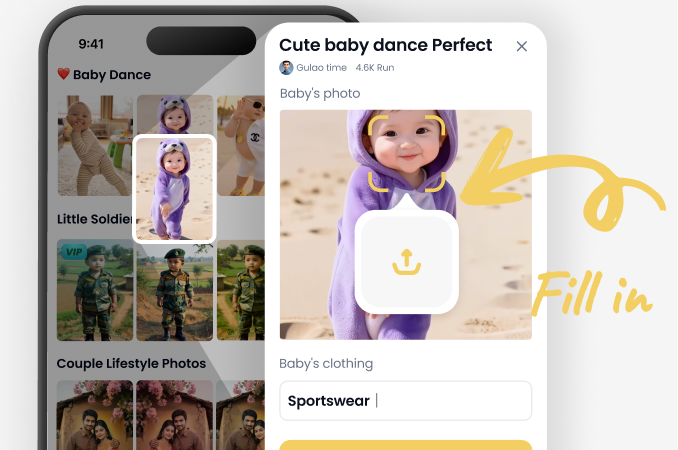
Download the PixDream app from Google Play and create your free account to access all Hokusai wave style filters and ukiyo-e templates.
Step 02.
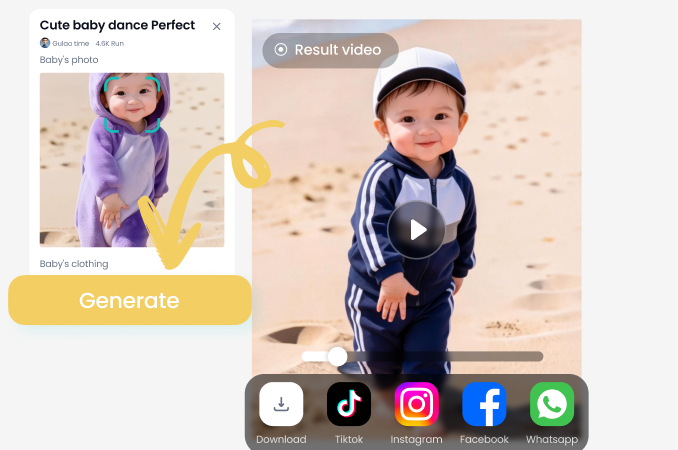
Pick a Hokusai wave style filter from our massive library. Choose from indigo woodblock, minimalist ink, moonlit seascape, or classic Great Wave templates.
Step 03.
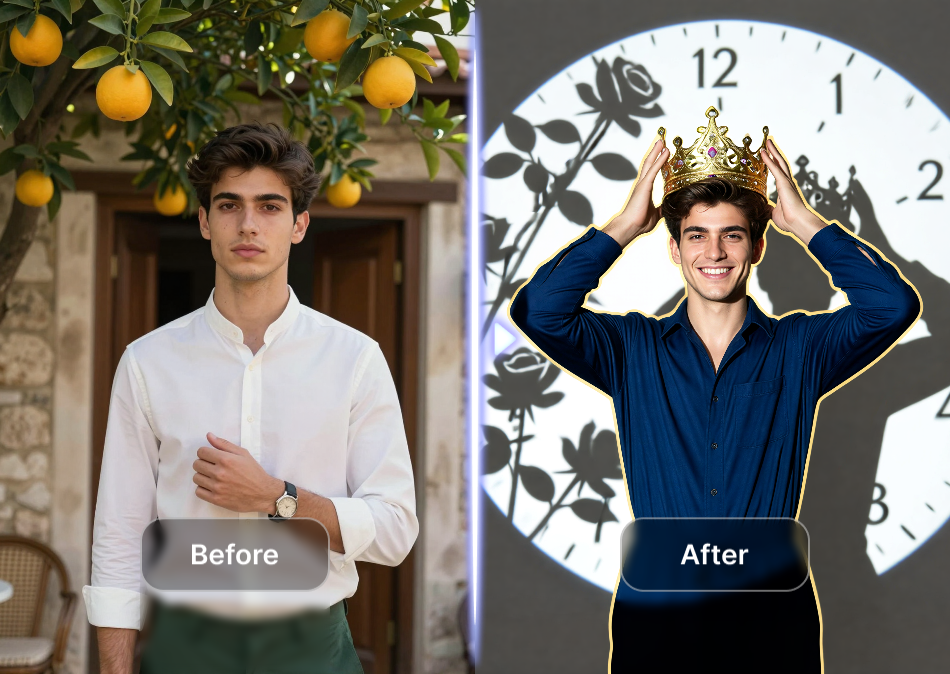
Enter your prompt or upload a photo, then generate a stunning Japanese wave artwork in seconds. Download your creation and share it on social media.
Why Use PixDream for Hokusai Wave Art?
PixDream turns your ideas into authentic Japanese ukiyo-e masterpieces without any art training. Our AI understands the subtle details of Hokusai's style from the claw-like wave tips to the indigo color harmony. You get high resolution results, a massive filter library, and an interface so simple that anyone can create museum-worthy wave art in under a minute.
Here is What People Think About the Hokusai Wave Filter
The Great Wave came out absolutely perfect
I typed in one of the prompts from this page and the result looked like a genuine woodblock print. The indigo tones were spot on and the foam details were incredible. I use it for my Japanese restaurant menu designs now.
Best ukiyo-e generator I have tried
I have tested several AI art apps for Japanese woodblock style and PixDream is by far the most accurate. It actually understands the flat color plane aesthetic instead of just adding a blue filter. Totally recommend it for print posters.
My phone case looks like real art now
I made a custom Great Wave phone wallpaper with the moonlit seascape prompt and everyone thinks I commissioned an artist. The process took less than two minutes and the resolution was high enough for print quality.
Frequently Asked Questions About Hokusai Wave AI Prompts
Find clear answers to common questions about generating Hokusai wave style art with AI. Learn how to write effective prompts and get the most out of our ukiyo-e filters.
More Topics You May Like
Explore more Japanese-inspired AI art topics and discover fresh ideas for your next creative project.
Make Anyone Vanish With These AI Prompts
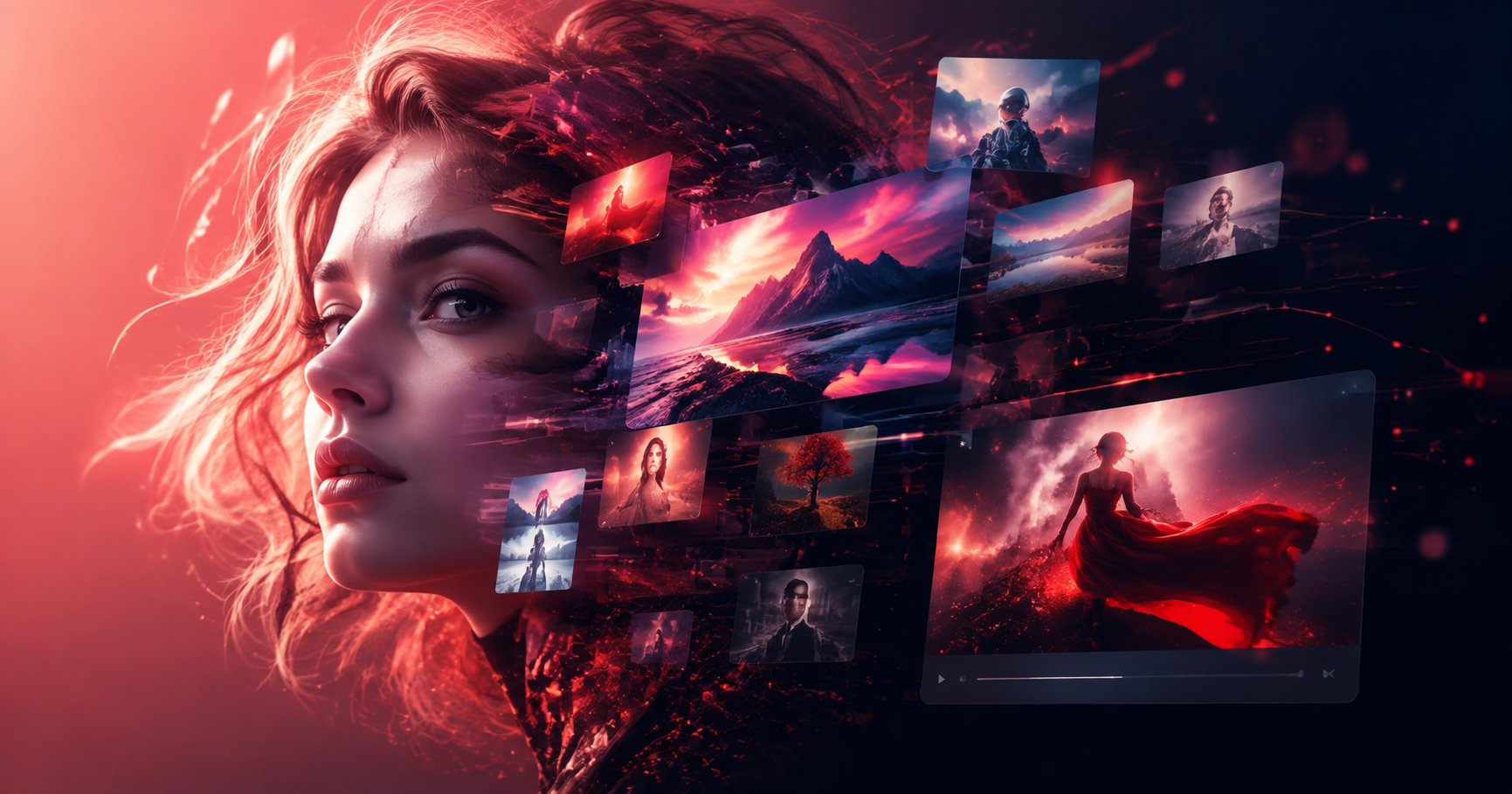
Discover simple prompts for removing a person from any photo. Upload, type, and let pixdream clean up images in seconds without design skills.

Giantess AI Art: Gemini Prompts That Work
Discover Gemini prompts for giantess art. Generate towering characters, macro perspectives, and fantasy scale scenes with Pixdream's AI image and video tools.

Singer Photo Prompts: AI Ideas for Stunning Vocalist Portraits
Explore the best singer photo prompts for AI images. Create stunning vocalist portraits, music artist posters, and stage performance shots instantly. Download pixdream and turn prompt ideas into realistic singer photos with AI.

Baker AI Prompts That Turn Ideas into Delicious Art
Discover creative baker prompts for portraits, bakery scenes, and pastry chef art. Copy ready to use prompts and generate stunning AI images inside the pixdream app.
Create Your Own Hokusai Wave Masterpiece Today
Download PixDream and generate stunning Japanese ukiyo-e wave art in seconds. Join millions of creators who bring the timeless beauty of Edo period prints to modern life.
Create Your Own Hokusai Wave Masterpiece Today
Download PixDream and generate stunning Japanese ukiyo-e wave art in seconds. Join millions of creators who bring the timeless beauty of Edo period prints to modern life.