Fine Line Tattoo Prompts
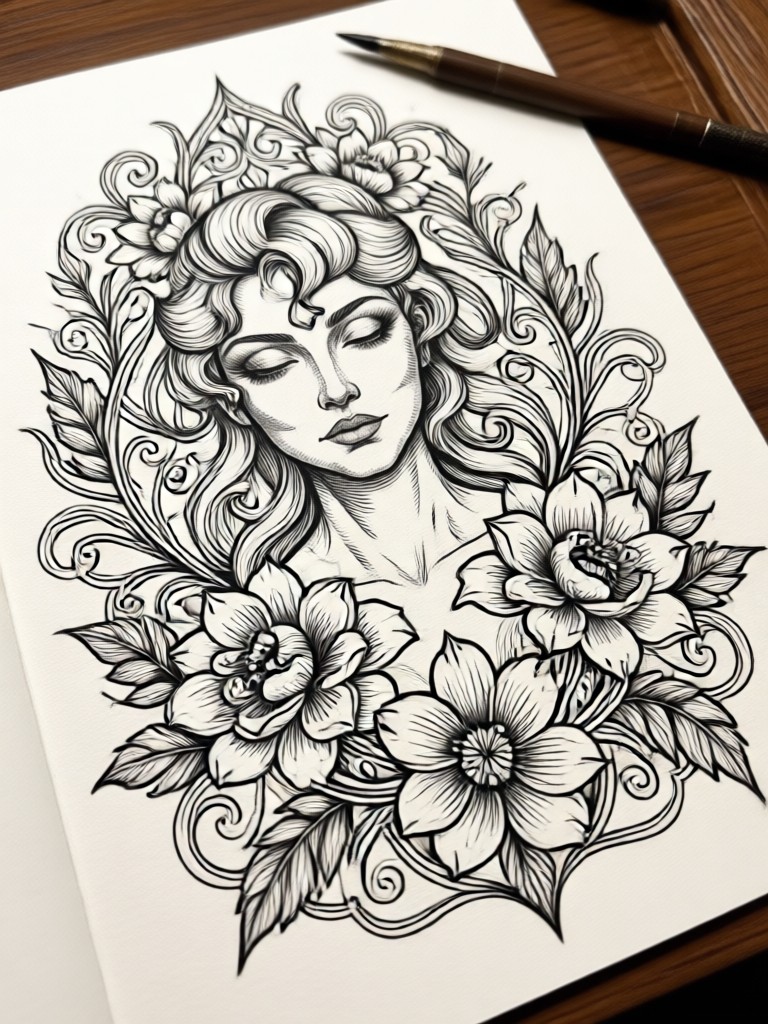
Fine Line Tattoo Style Filters You Can Try
Choose from delicate black ink filters, sketch styles, and minimal tattoo templates inside Pixdream. Every filter works with your fine line tattoo prompts for quick, clean results.
What Your Fine Line Tattoo Prompts Can Generate
Use Pixdream to create precise black ink tattoo concepts, refine details, and explore multiple design directions without picking up a pencil.
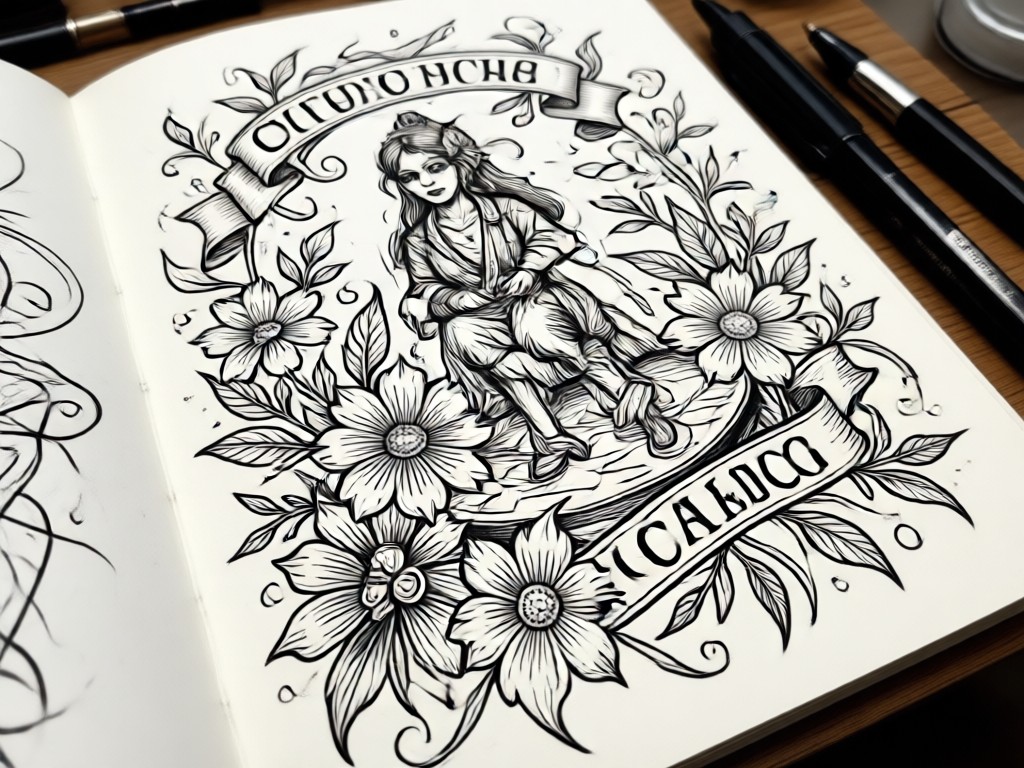
Text to Tattoo Design
Type any fine line tattoo prompt and get a clean black ink concept in seconds. Choose a style filter to match minimalist, botanical, celestial, or script looks.
Text to Tattoo Design
Type any fine line tattoo prompt and get a clean black ink concept in seconds. Choose a style filter to match minimalist, botanical, celestial, or script looks.
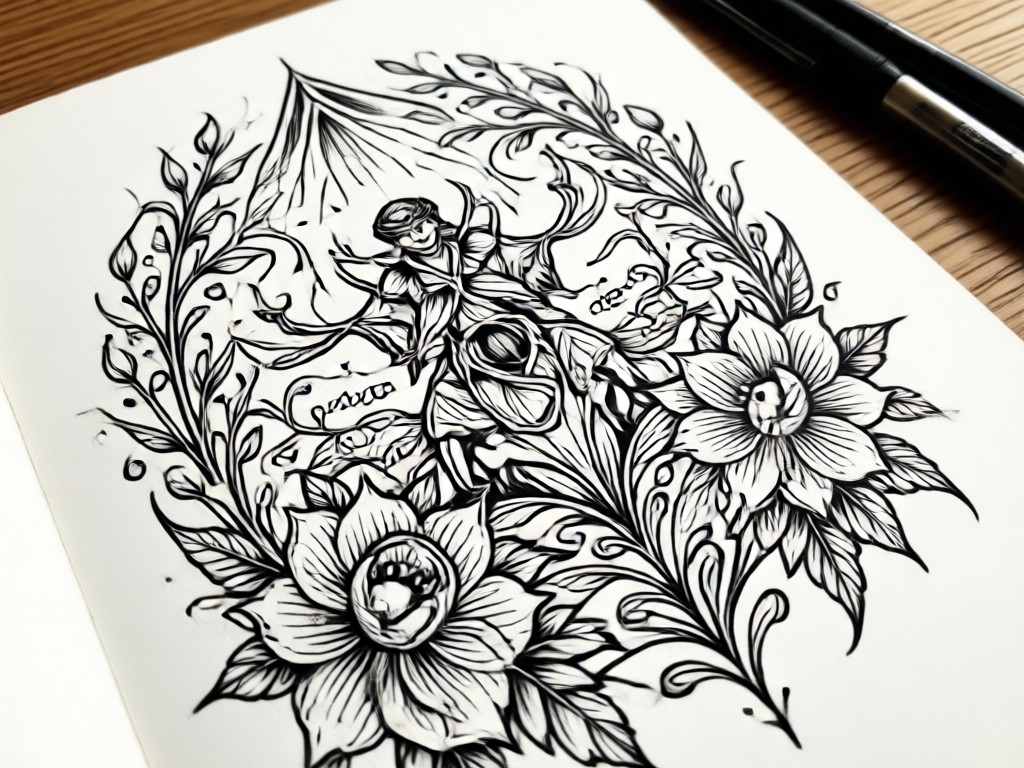
Reference Based Refinement
Upload a rough sketch or photo as a reference. Pixdream keeps your idea intact while tightening lines, improving symmetry, and adding professional polish.
Reference Based Refinement
Upload a rough sketch or photo as a reference. Pixdream keeps your idea intact while tightening lines, improving symmetry, and adding professional polish.
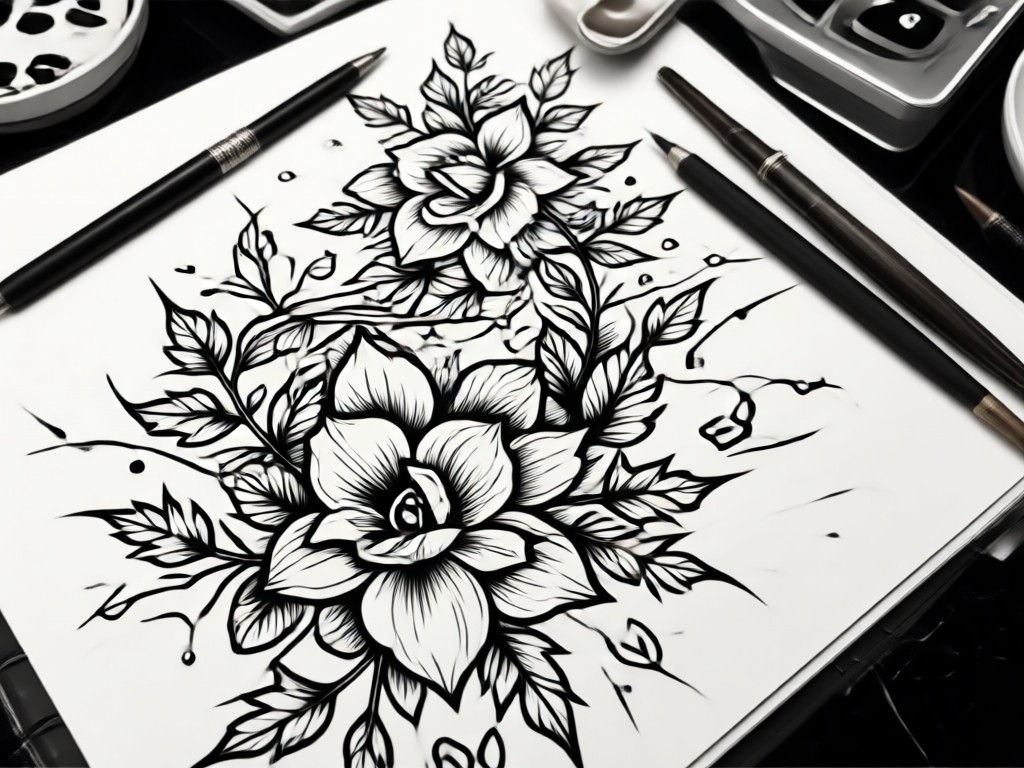
Endless Style Variations
Turn one prompt into multiple concepts with different placements and line weights. Compare blackwork, single needle, and dotwork versions before you commit.
Endless Style Variations
Turn one prompt into multiple concepts with different placements and line weights. Compare blackwork, single needle, and dotwork versions before you commit.
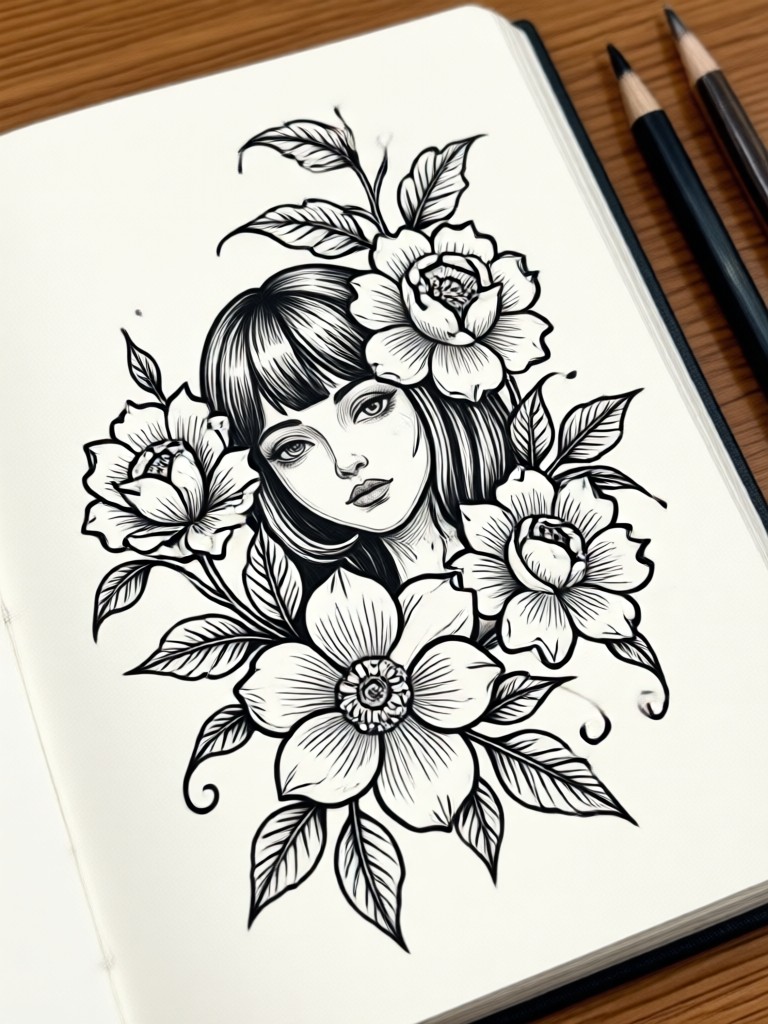
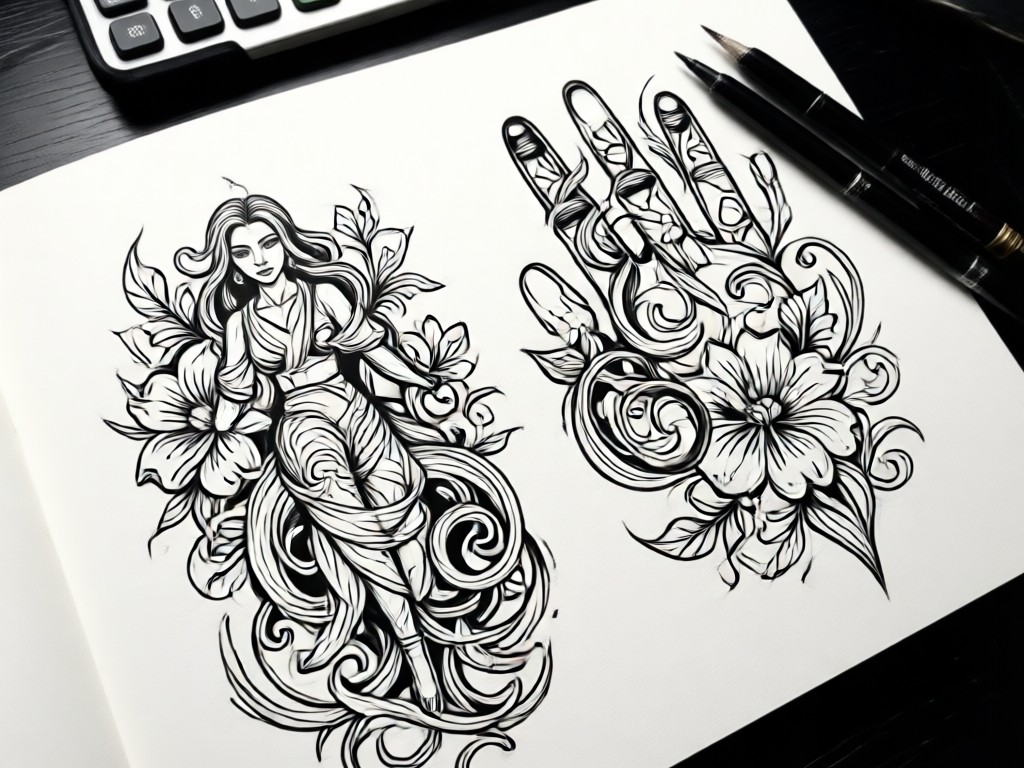
Fine Line Tattoo Prompt Inspiration Gallery
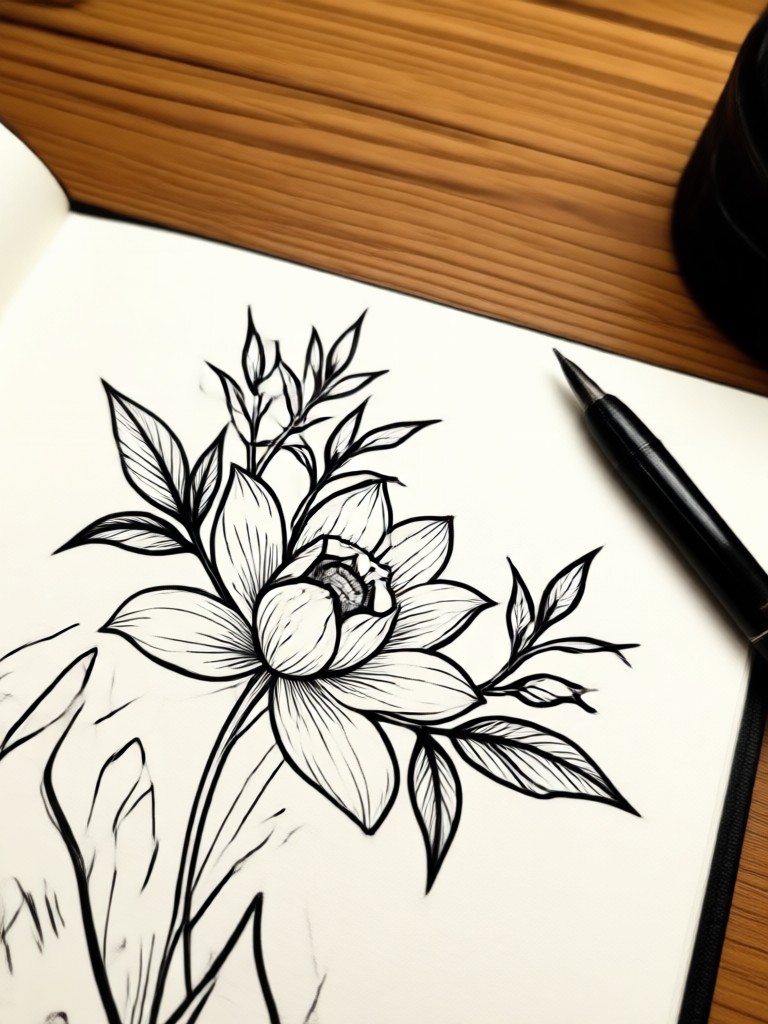
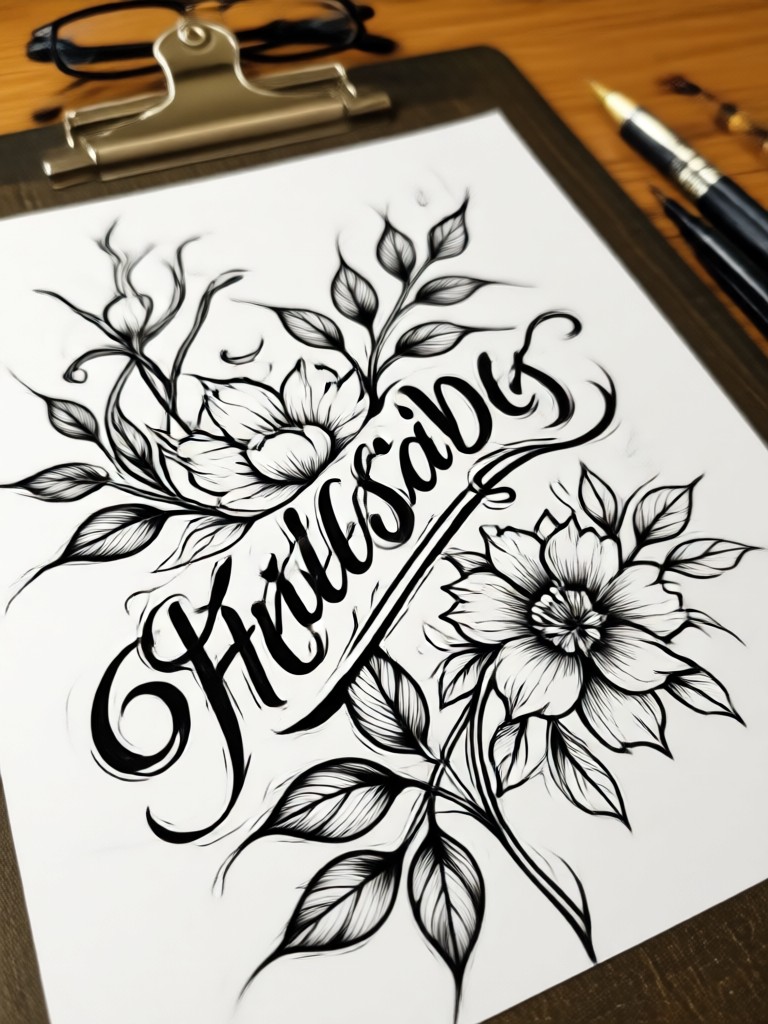
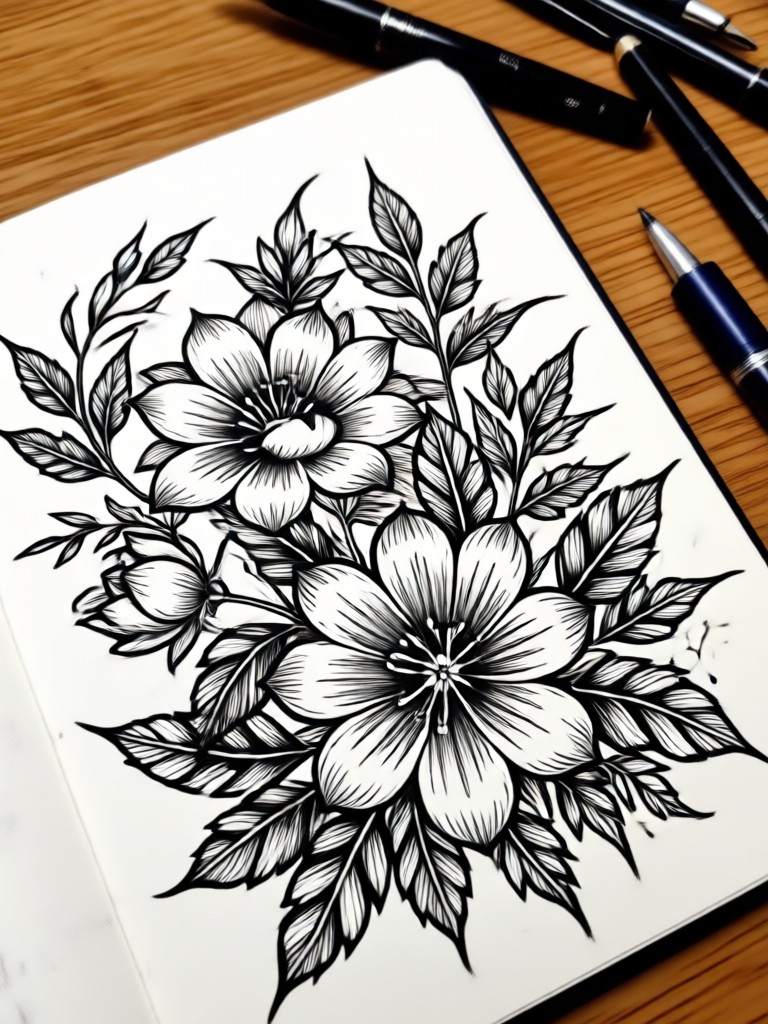
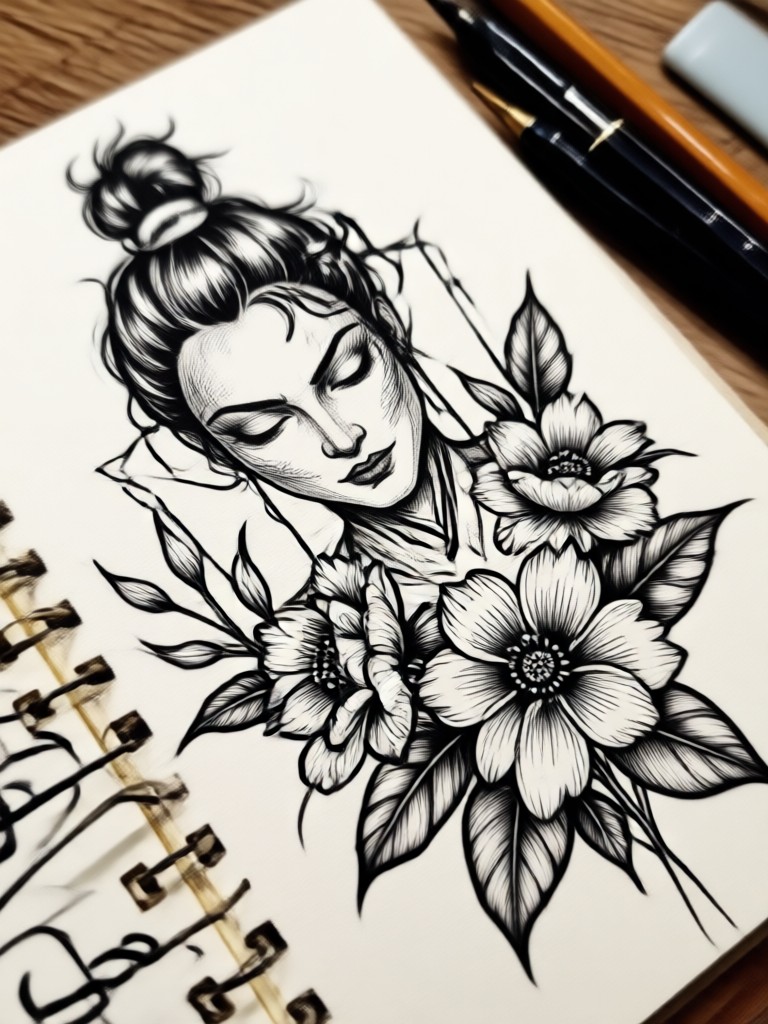
See what simple prompts can create. From botanical sprigs to celestial symbols, these examples show the clean black ink style Pixdream produces.
Why Use Pixdream for Fine Line Tattoo Prompts
Pixdream turns written prompts into refined tattoo concepts without complex prompt engineering. Choose from one million plus style filters, adjust details, and generate multiple clean black ink options. Then save or share your favorites with your tattoo artist in a tap.
How to Use Fine Line Tattoo Prompts in Pixdream
Turn a short text prompt into a delicate fine line tattoo concept in three simple steps.

Step 01.
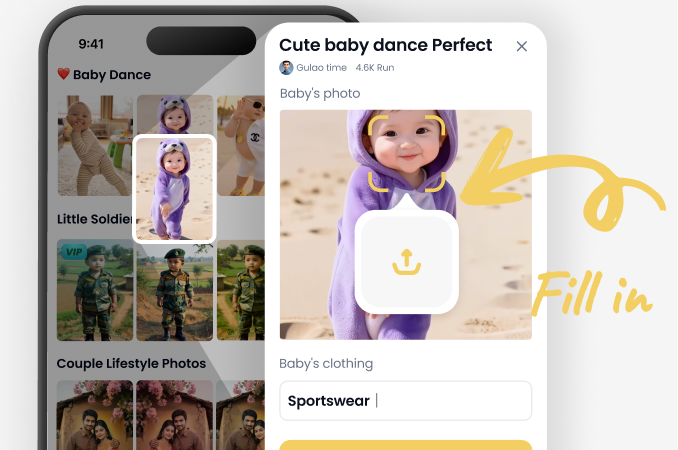
Download Pixdream from Google Play and open the AI image generator. No account setup beyond a quick sign in.
Step 02.
Copy a fine line tattoo prompt from this page or write your own. Pick a black ink style filter for the cleanest lines.
Step 03.
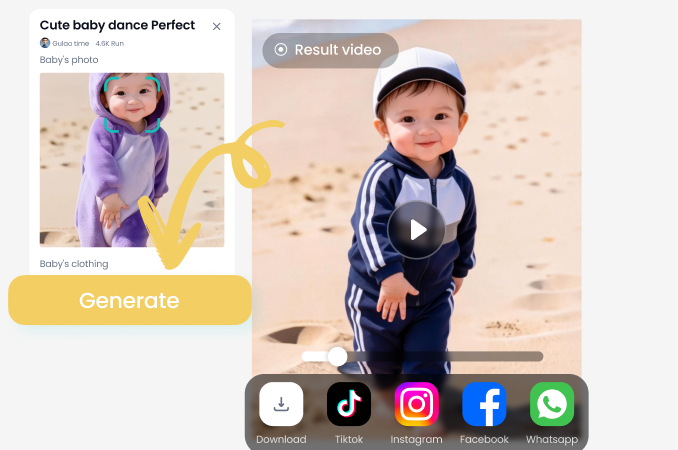
Generate your design, then download the high resolution image to show your tattoo artist or share on social media.
Frequently Asked Questions
Find clear answers about using fine line tattoo prompts with Pixdream.
More Topics You May Like
Explore more AI art and design prompts to spark your next project.

Master Hokusai Wave Art: Top AI Prompts for Ukiyo-e Style
Generate stunning Hokusai wave art with AI. Copy these ready-made prompts for ukiyo-e woodblock prints, Japanese wave illustrations, and Great Wave inspired designs.

Make Anyone Vanish With These AI Prompts
Discover simple prompts for removing a person from any photo. Upload, type, and let pixdream clean up images in seconds without design skills.

Giantess AI Art: Gemini Prompts That Work
Discover Gemini prompts for giantess art. Generate towering characters, macro perspectives, and fantasy scale scenes with Pixdream's AI image and video tools.

Singer Photo Prompts: AI Ideas for Stunning Vocalist Portraits
Explore the best singer photo prompts for AI images. Create stunning vocalist portraits, music artist posters, and stage performance shots instantly. Download pixdream and turn prompt ideas into realistic singer photos with AI.
Ready to Create Your Fine Line Tattoo Design?
Download Pixdream and use these fine line tattoo prompts to generate clean, professional black ink concepts in minutes.

Ready to Create Your Fine Line Tattoo Design?
Download Pixdream and use these fine line tattoo prompts to generate clean, professional black ink concepts in minutes.