AI Product Photography Photo Prompts
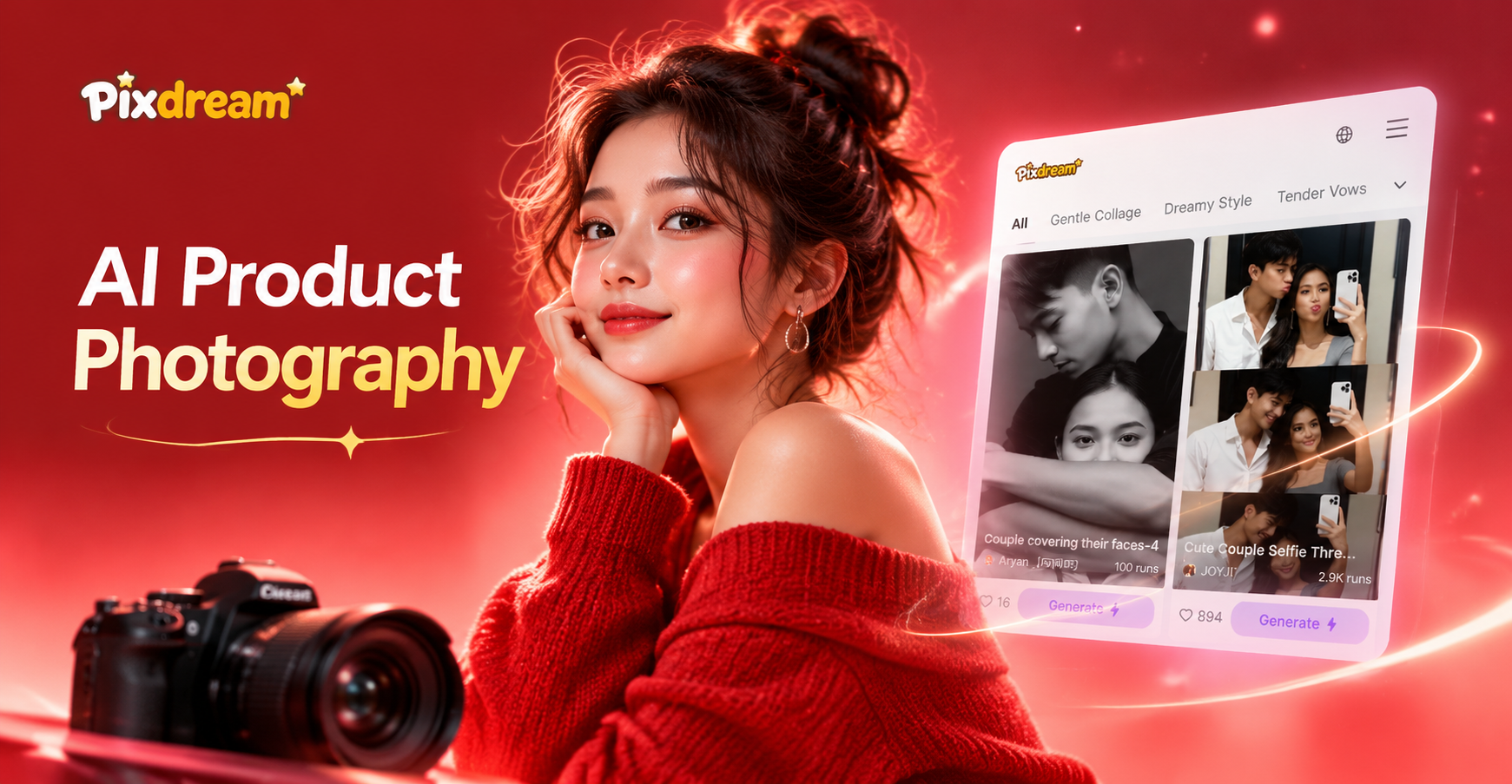
Choose a Product Photography Style That Fits
Browse curated style filters designed for ecommerce, social ads, and catalog shots. Pick a template and pair it with your favorite photo prompt.
Key Capabilities for Product Photography
Generate consistent, high quality product images with natural language prompts. Control lighting, backgrounds, and composition without any design skills.

Studio Lighting Control
Adjust soft studio light, hard shadows, rim lighting, and backlighting with simple prompts. Create consistent product visuals without expensive lighting rigs.
Studio Lighting Control
Adjust soft studio light, hard shadows, rim lighting, and backlighting with simple prompts. Create consistent product visuals without expensive lighting rigs.
Background Replacement
Swap busy backgrounds for clean white, pastel, concrete, marble, or lifestyle scenes using natural language prompts. Keep product edges crisp and colors accurate.
Background Replacement
Swap busy backgrounds for clean white, pastel, concrete, marble, or lifestyle scenes using natural language prompts. Keep product edges crisp and colors accurate.
Angle and Composition Prompts
Direct the AI to shoot from top down, 45 degree, macro, or eye level perspectives. Fine tune framing, spacing, and negative space for catalogs and ads.
Angle and Composition Prompts
Direct the AI to shoot from top down, 45 degree, macro, or eye level perspectives. Fine tune framing, spacing, and negative space for catalogs and ads.
AI Product Photography Prompt Gallery
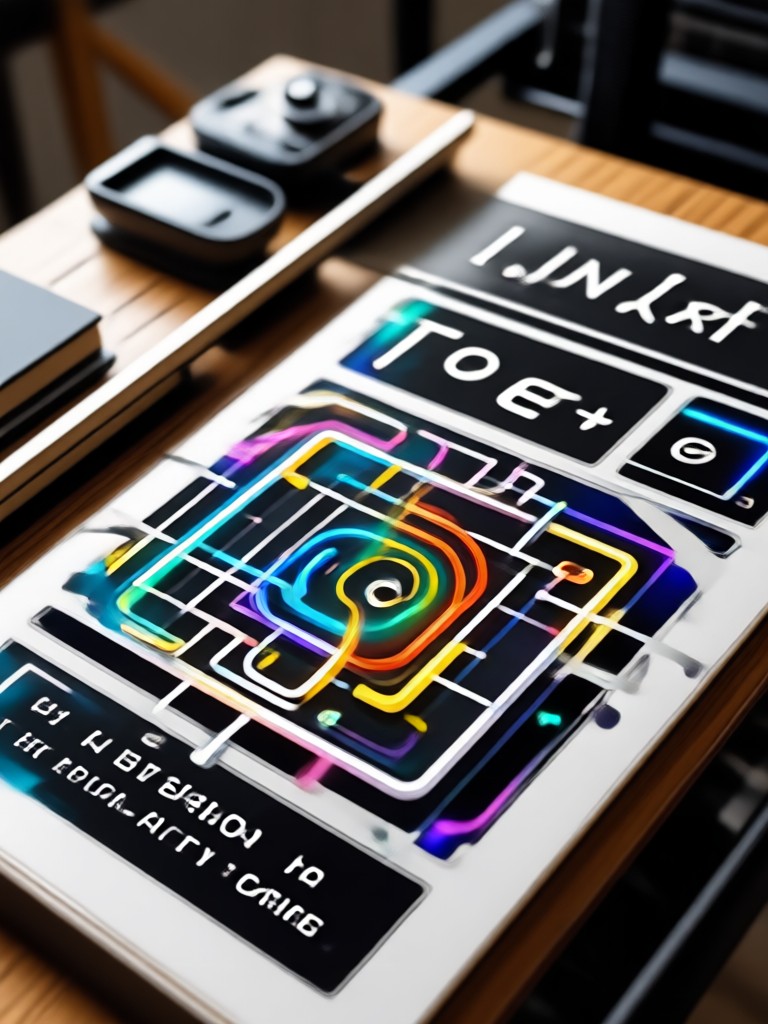
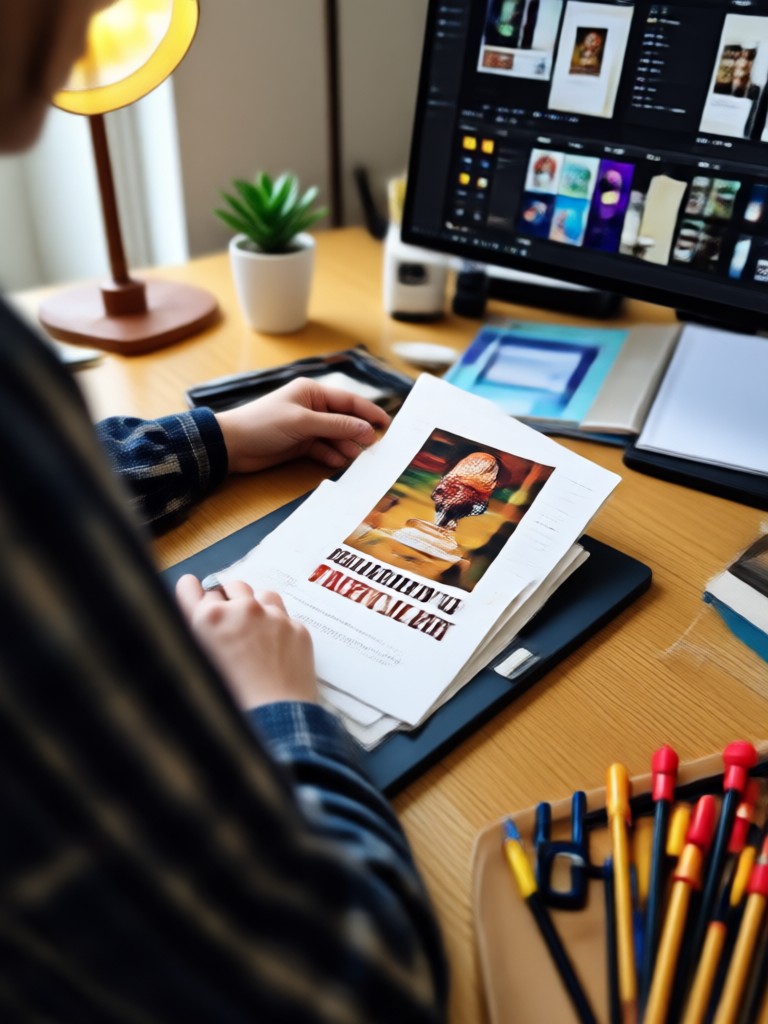
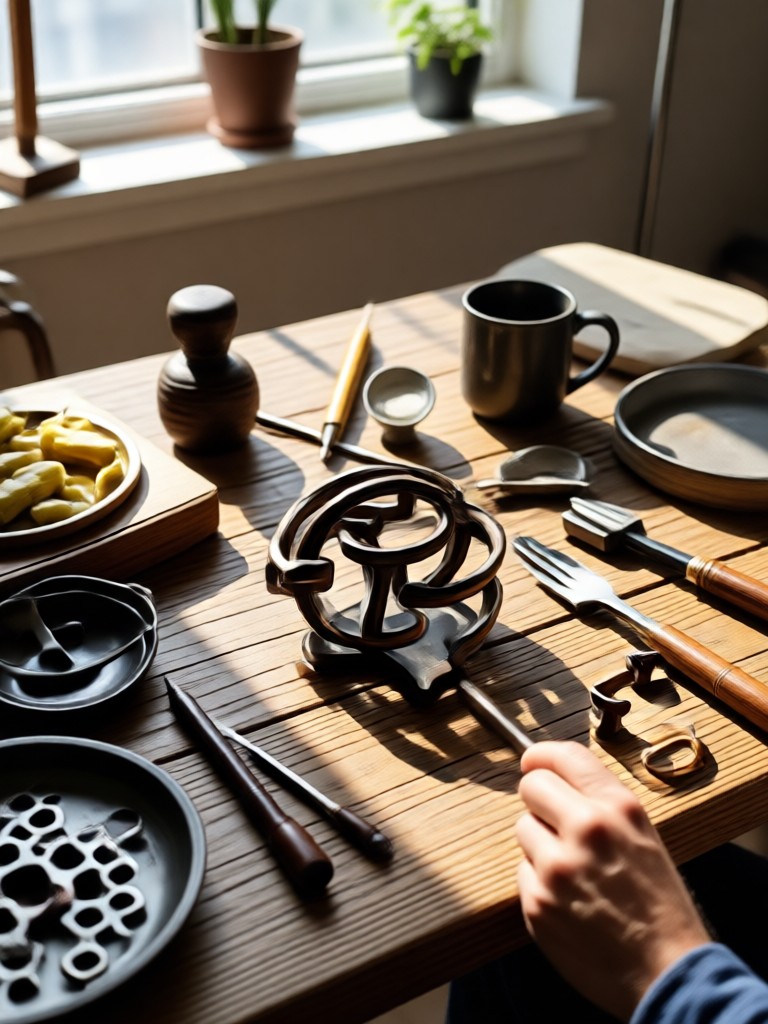
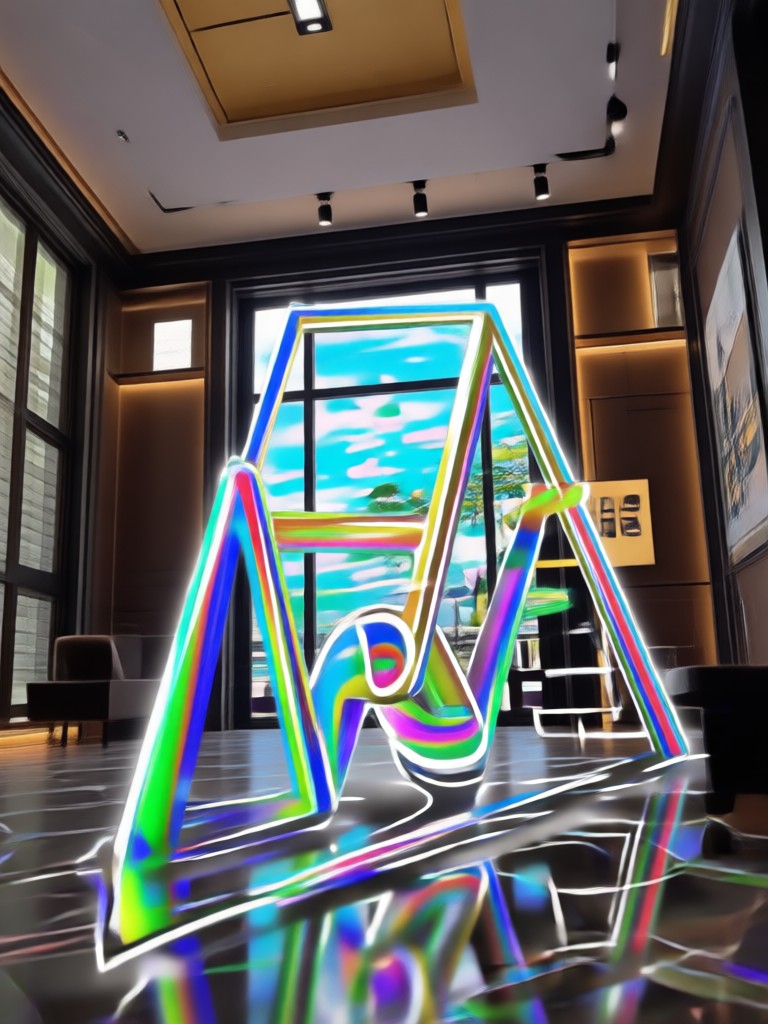
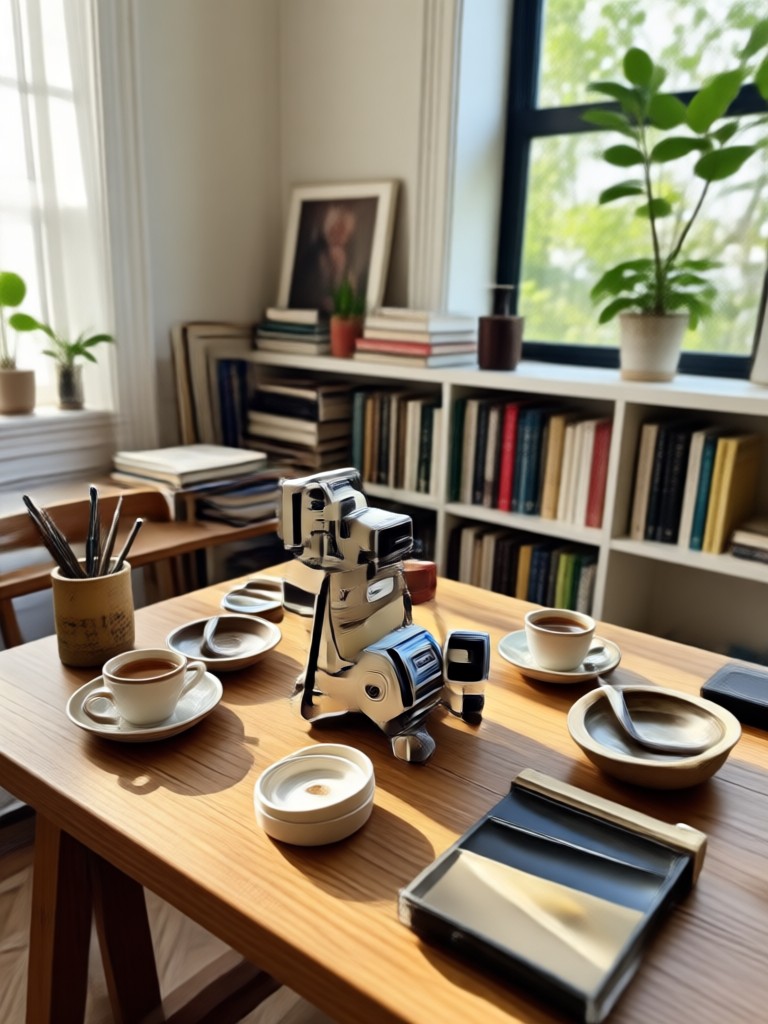
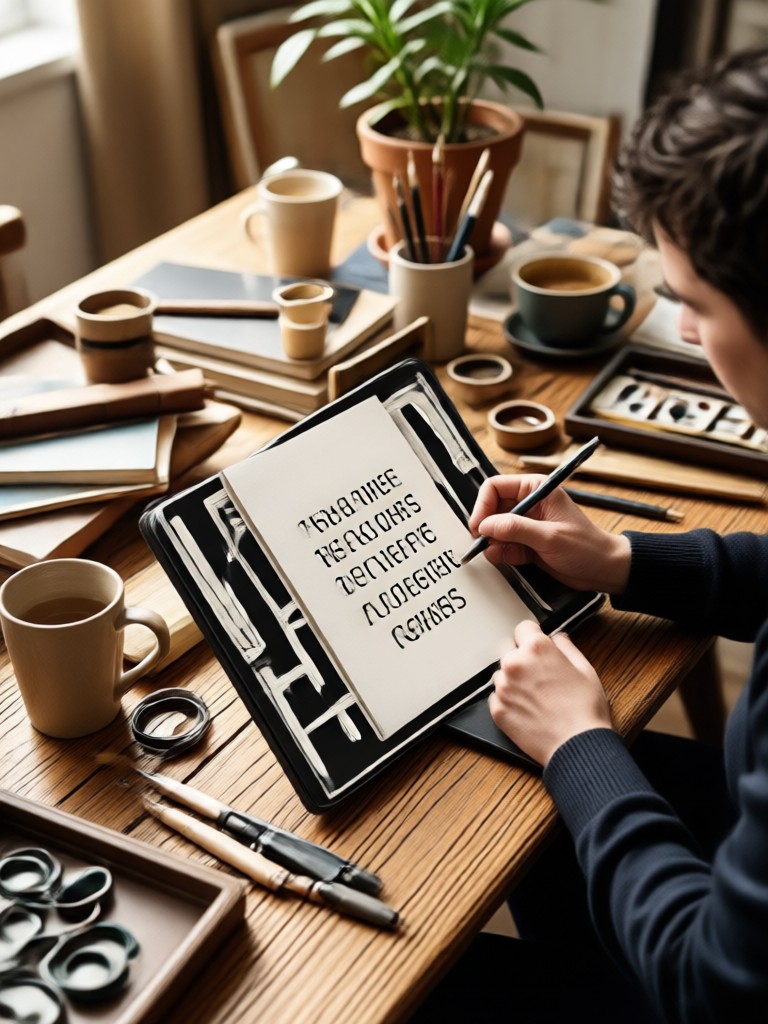
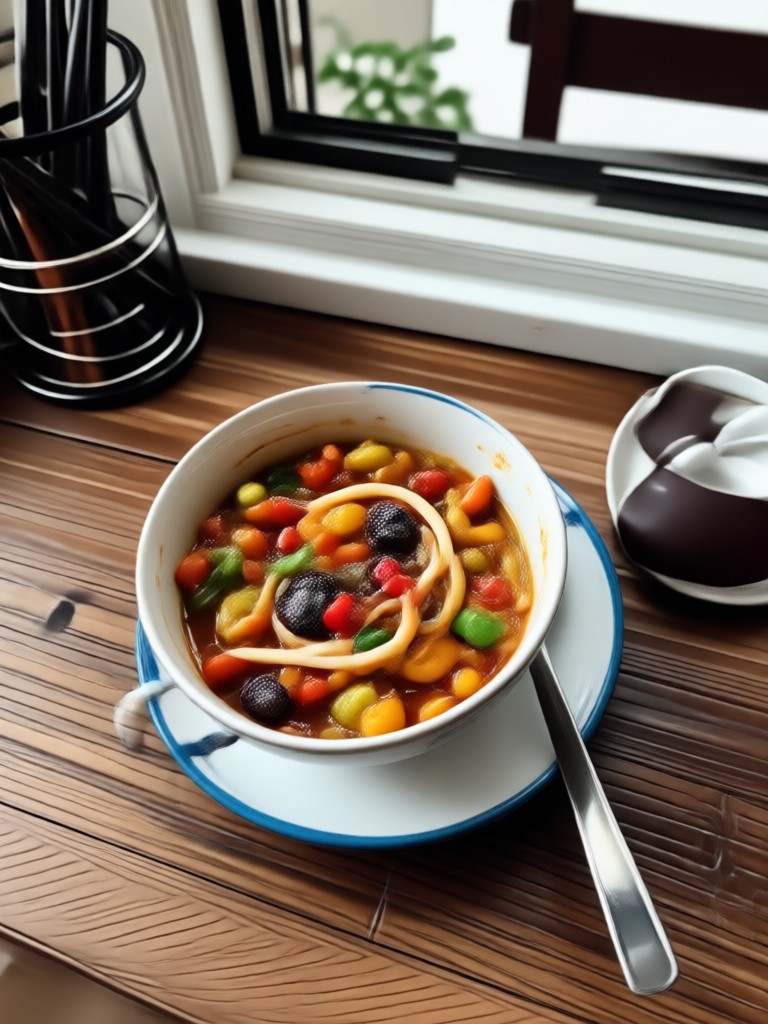
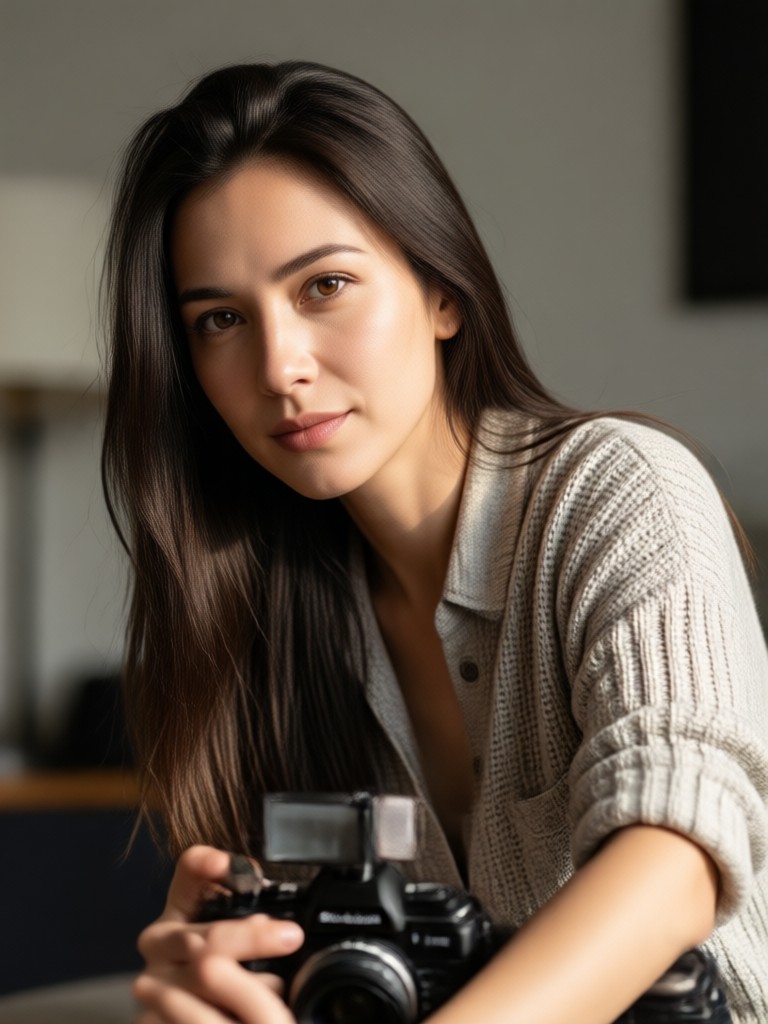
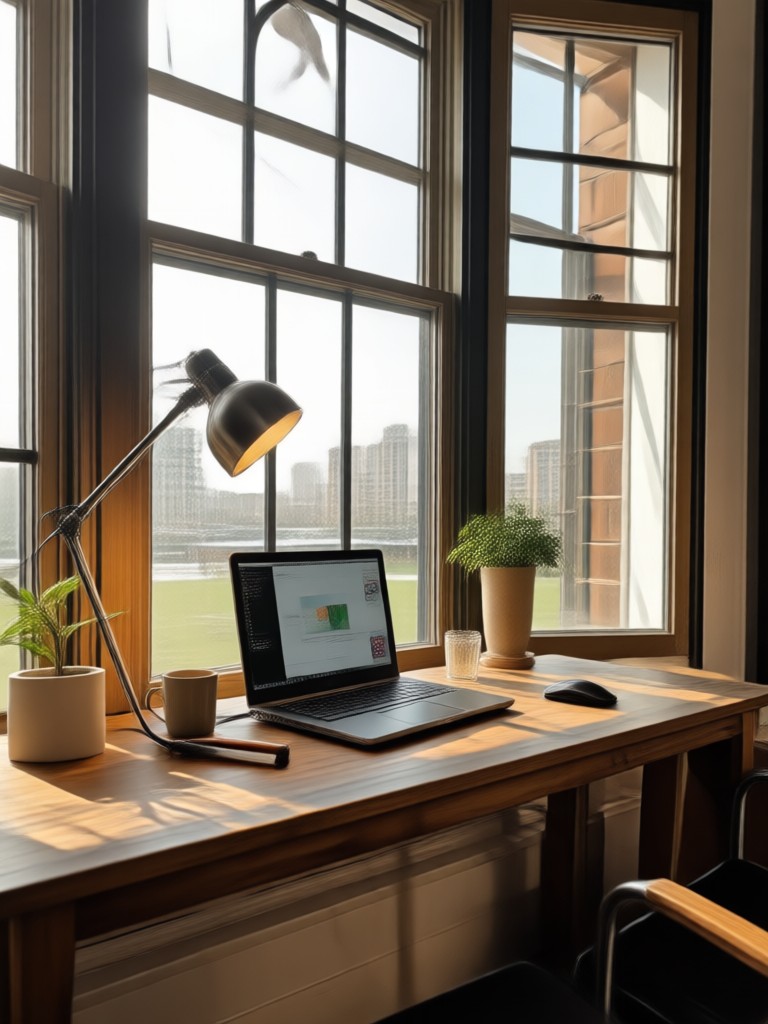
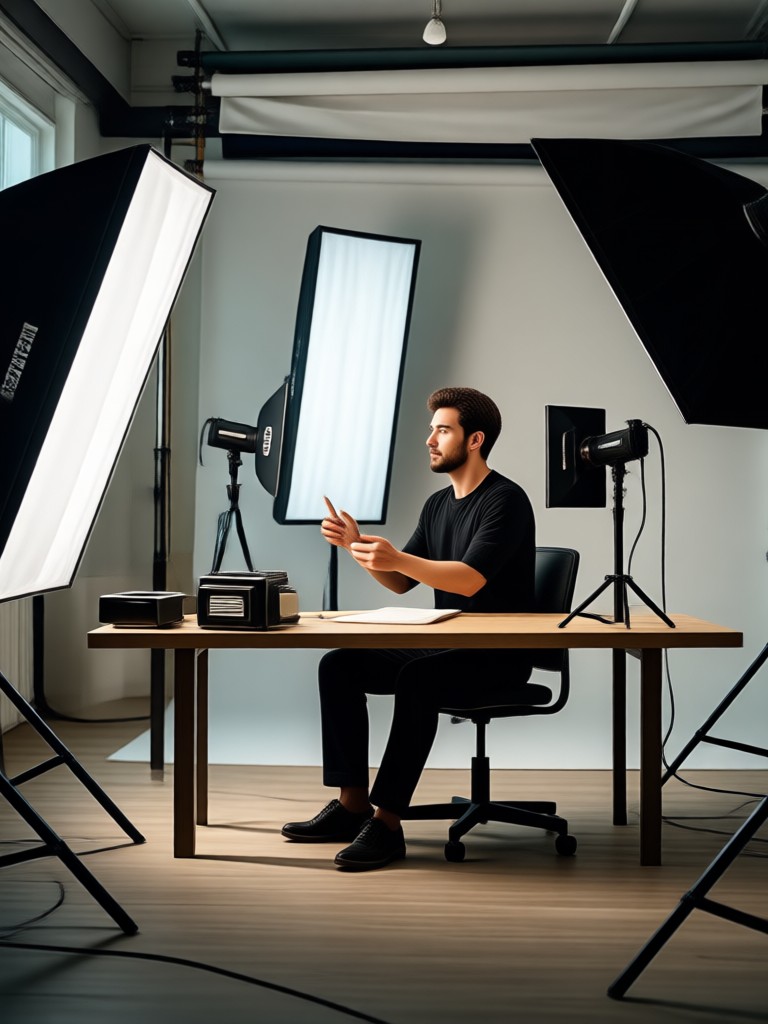
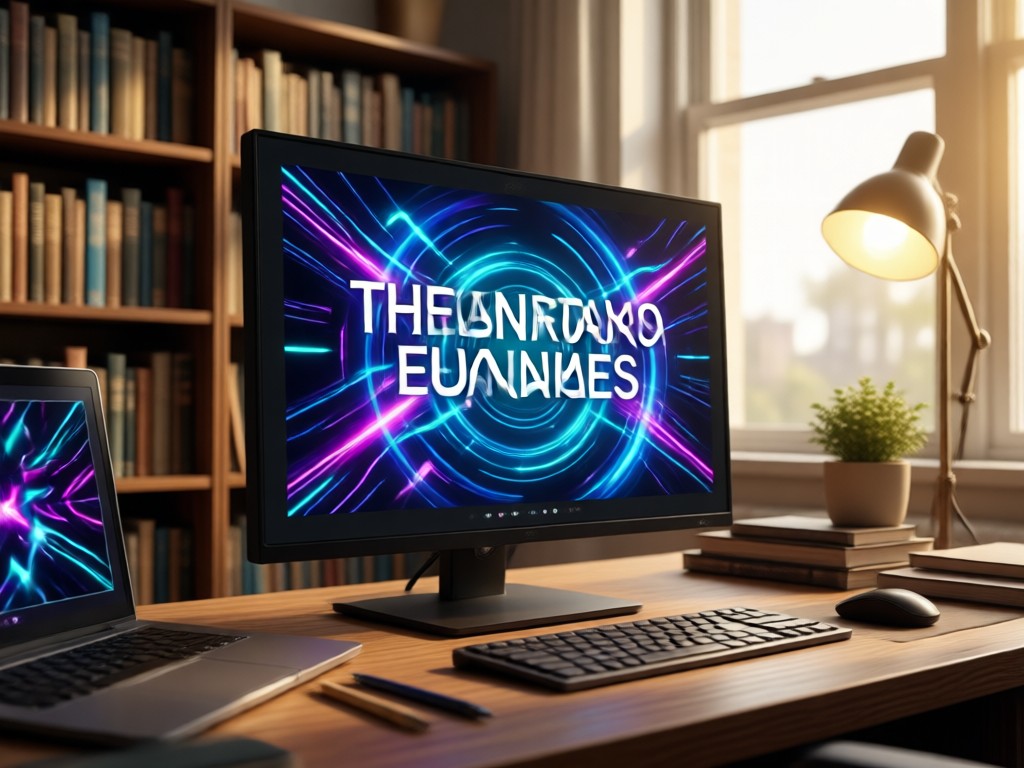
See how different prompts transform the same product into multiple marketing ready looks. From clean white backgrounds to moody lifestyle settings, each image is generated in the Pixdream app.
Why Use AI Product Photography Photo Prompts
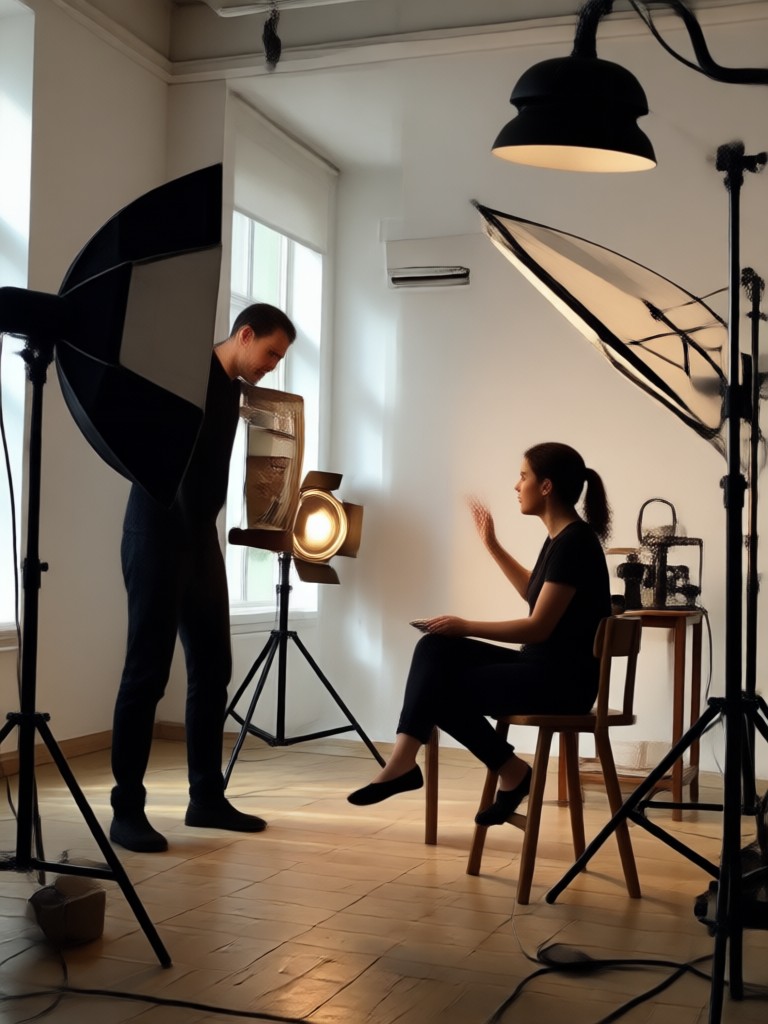
Creating professional product photos used to require a studio, camera gear, and editing software. Pixdream removes those barriers. Type a prompt, select a style, and the AI handles lighting, angles, backgrounds, and post processing. The result is repeatable, on brand visuals that help your products sell.
How to Use AI Product Photography Photo Prompts
Create polished product images in three simple steps with Pixdream.

Step 01.
Download Pixdream from Google Play and open the AI image generator on your phone.
Step 02.
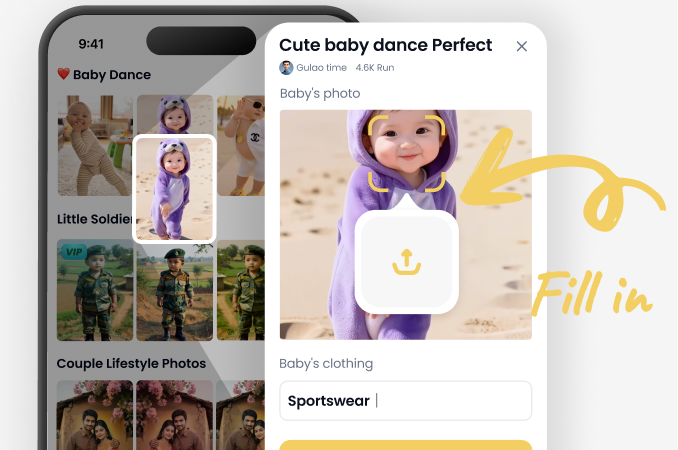
Choose a product photography style or template, upload your product photo, and type or paste a prompt.
Step 03.
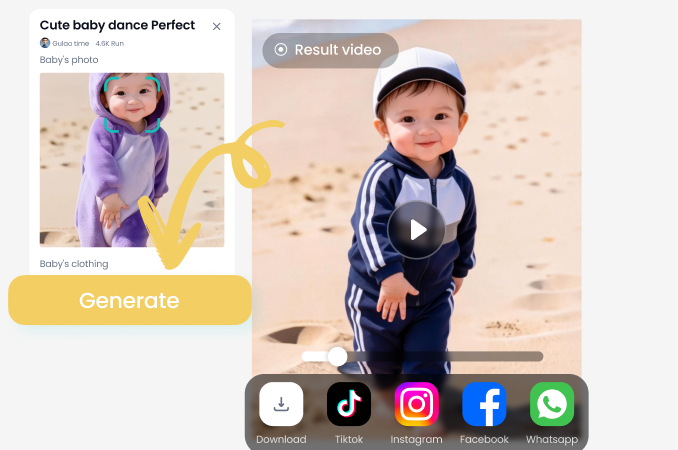
Generate the image, review the result, and download the high resolution file for your store or social media.
AI Product Photography on Your Phone
Bring studio quality product shots to your Android device. Download Pixdream and start using ready made photo prompts for ecommerce, Amazon listings, and social ads.

What Sellers and Creators Say
My product listings finally look consistent
I sell handmade candles online. The photo prompts help me generate clean white background shots and lifestyle images without hiring a photographer. My listings now look like a real brand.
Massive time saver for social ads
I run a small skincare brand. Instead of setting up lights and props, I upload a photo and use a prompt for a spa or marble background. The output is ready for Instagram in seconds.
Easy catalog visuals at scale
We needed product images for a catalog with different angles and colors. The AI followed our prompts for top down and 45 degree shots and kept the product details accurate.
Frequently Asked Questions About AI Product Photography Photo Prompts
Find clear answers about using prompt based product photography in the Pixdream app.
More Topics You May Like
Explore more topics you may like and discover fresh ideas tailored to your interests.
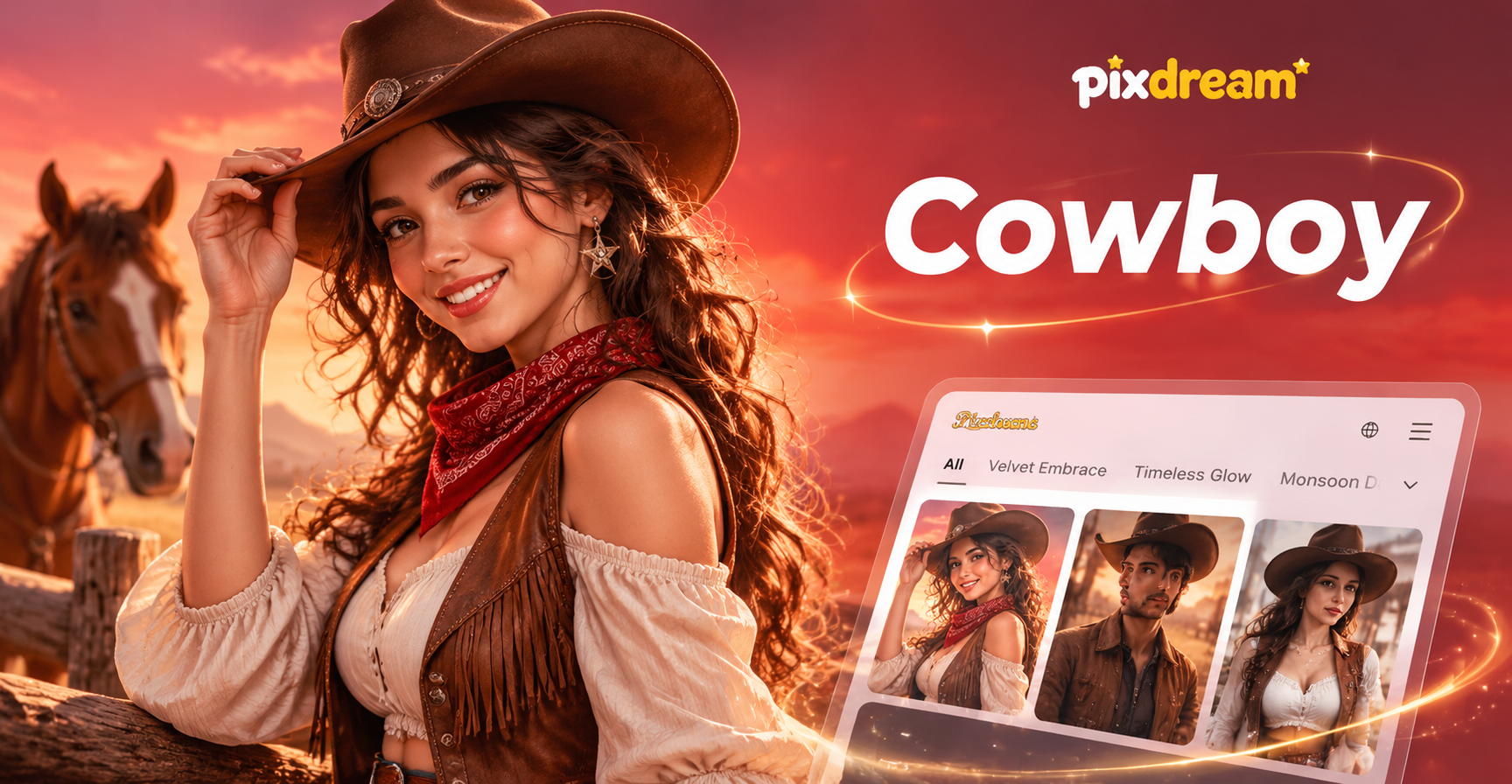
Cowboy Photo Prompts: Best AI Western Style Ideas
Use these cowboy photo prompts to create realistic western portraits, ranch scenes, and vintage cowboy looks. Copy, paste, and generate cinematic results in seconds.
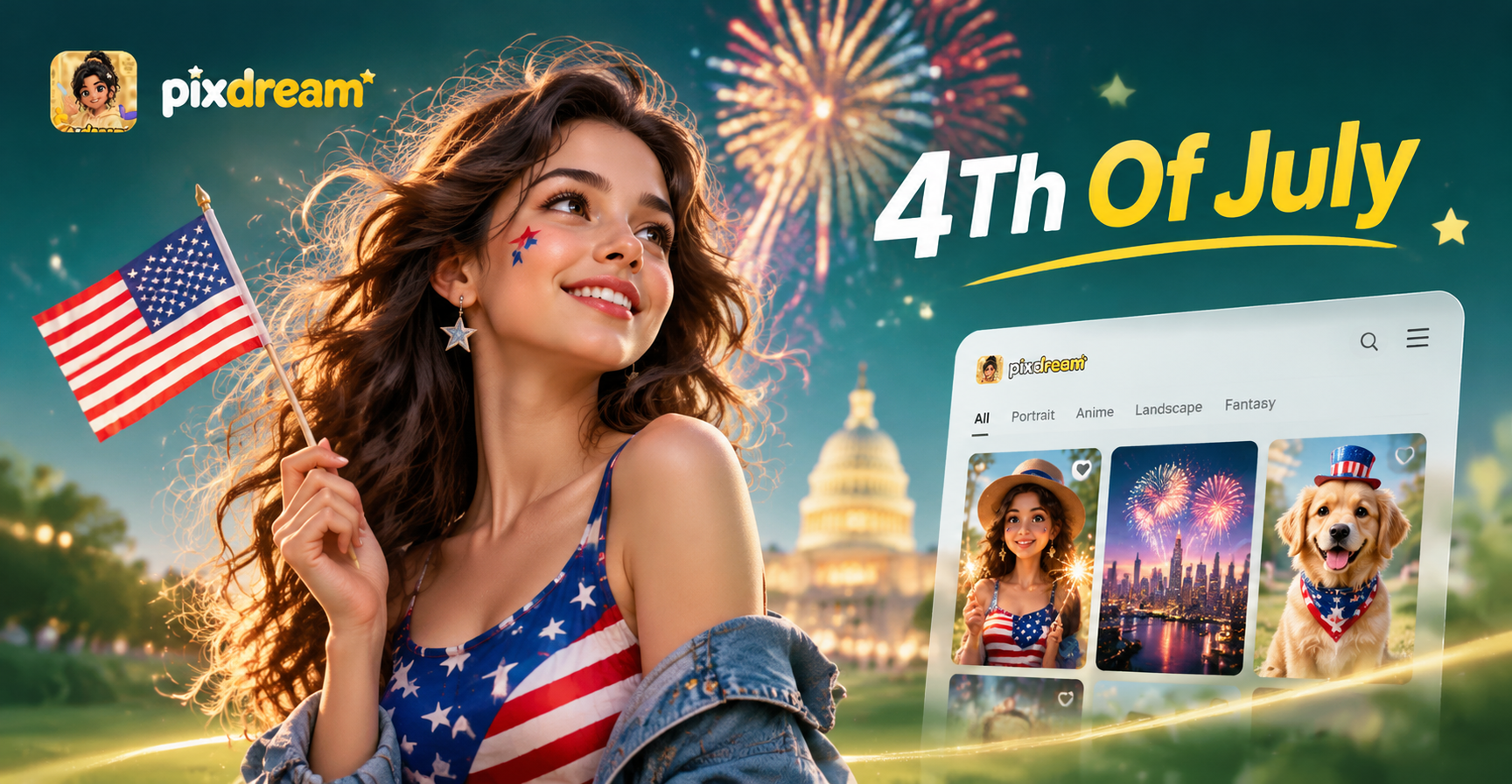
Create Patriotic 4th Of July AI Photos in Seconds
Use AI 4th of July photo prompts to create stunning patriotic images. Upload a photo, add fireworks and flag effects, and generate Independence Day photos. Download Pixdream.
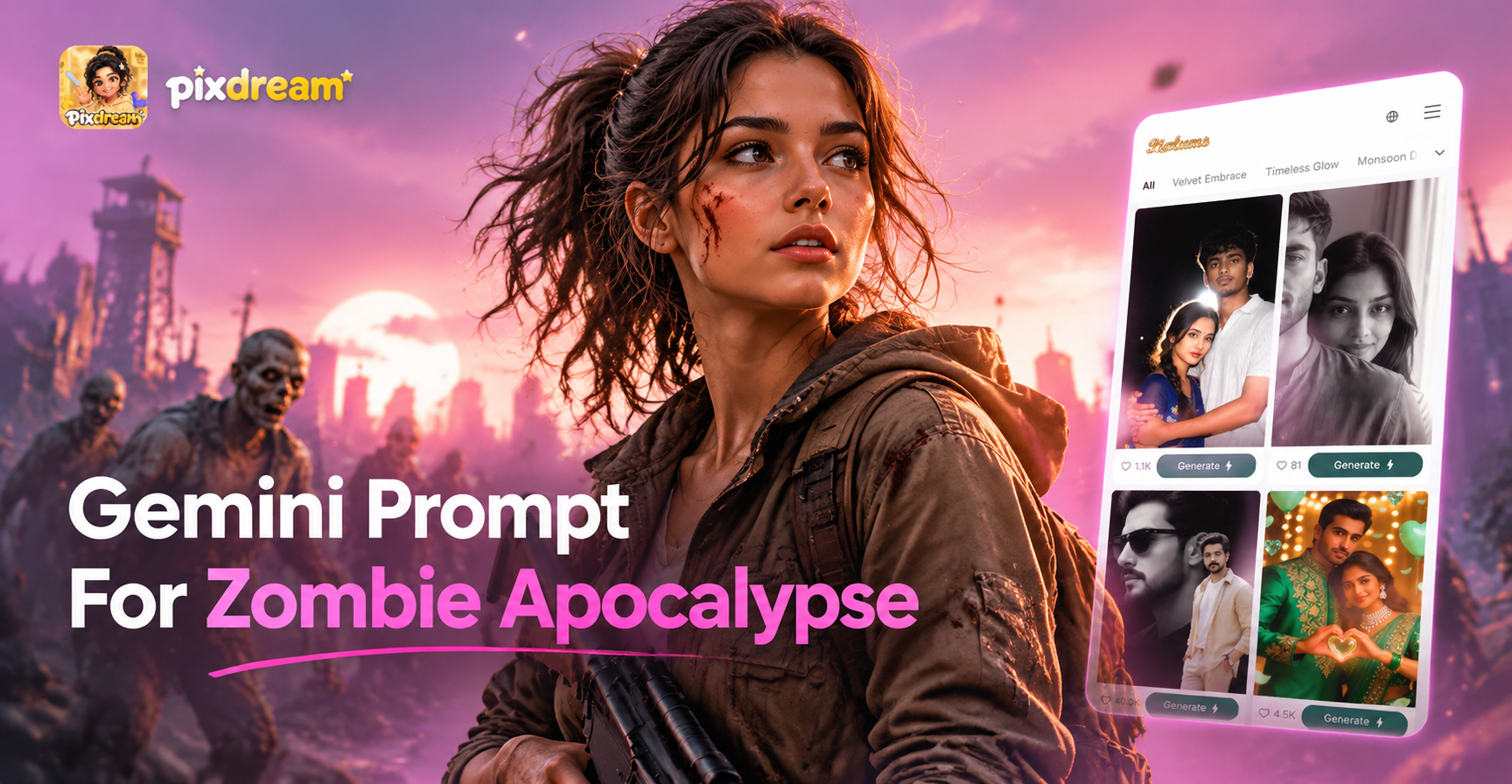
15 Best Gemini Prompts for Zombie Apocalypse Scenes
Discover the best Gemini prompts for zombie apocalypse scenes. Create stunning AI art, cinematic visuals, and immersive post-apocalyptic worlds with Pixdream.
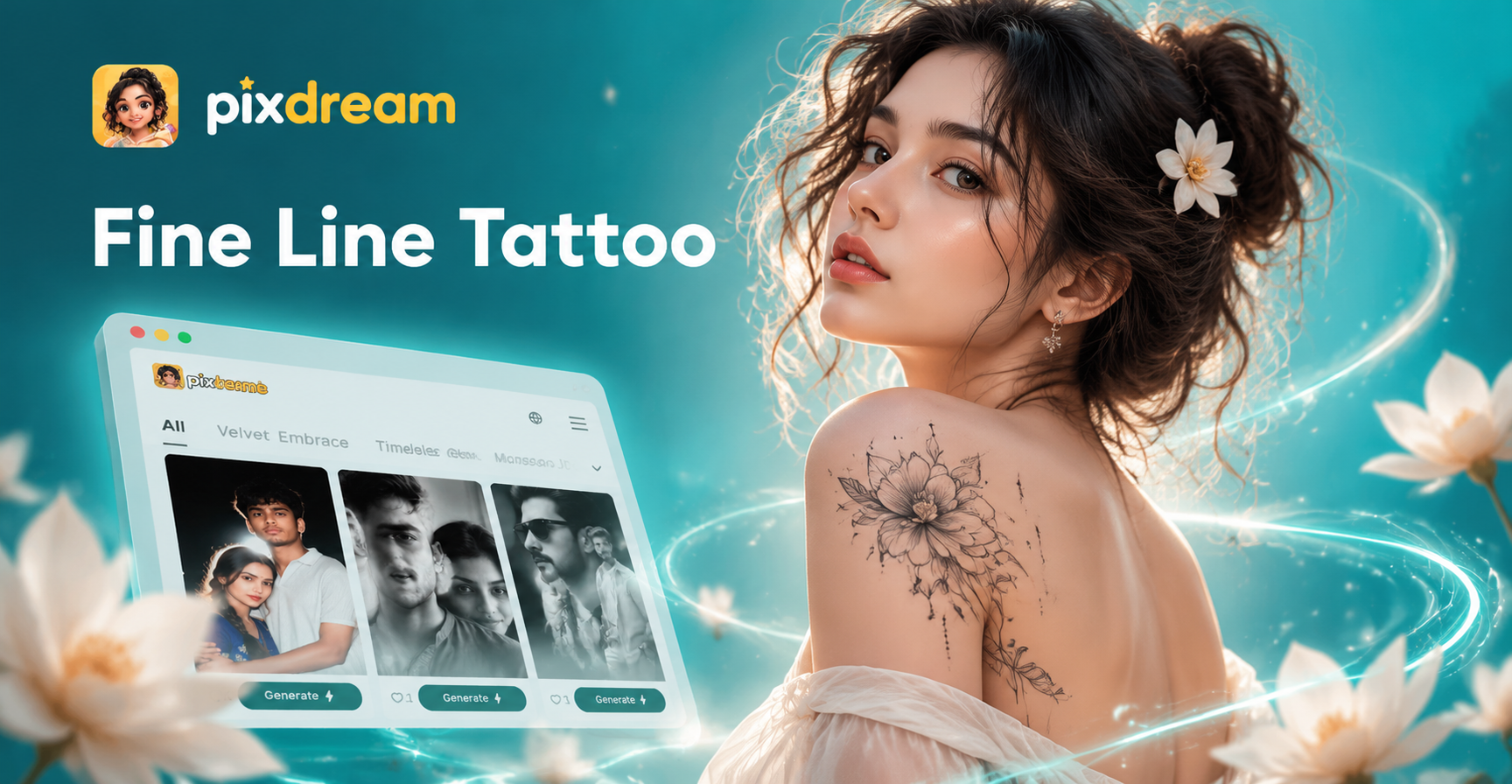
Turn Words Into Fine Line Tattoo Prompts
Copy these fine line tattoo prompts and turn words into delicate black ink designs. Use Pixdream to create minimalist botanical, celestial, and script tattoos in one tap.
Your Perfect Product Photo, Instantly
Create professional product photos with simple prompts and style filters. Download Pixdream and start generating studio quality images in seconds.
Your Perfect Product Photo, Instantly
Create professional product photos with simple prompts and style filters. Download Pixdream and start generating studio quality images in seconds.