3D Animation Prompts
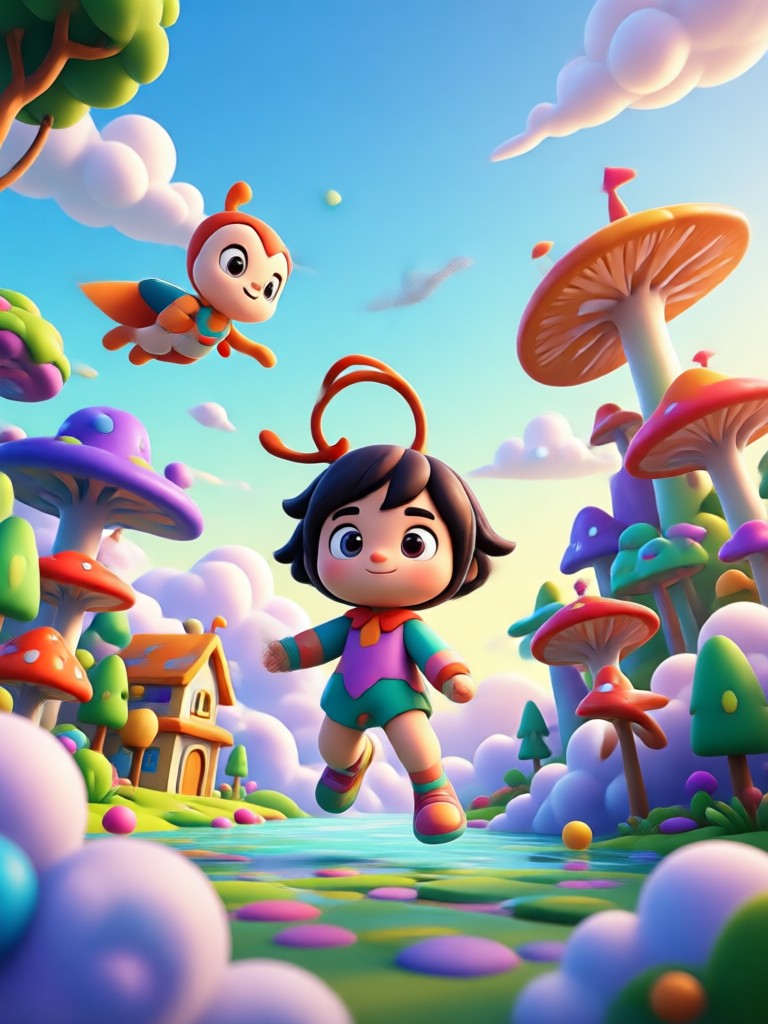
Best Filters for 3D Animation Prompts
Pair your descriptive prompts with the perfect style filter to achieve the exact look you want. These curated app filters are optimized for different 3D animation aesthetics, from realistic physics to stylized cartoons.
Why Our AI Excels at 3D Animation Generation
Our platform combines advanced text to video technology with intuitive controls. You do not need to master complex keyframes or node based systems to produce engaging 3D content.
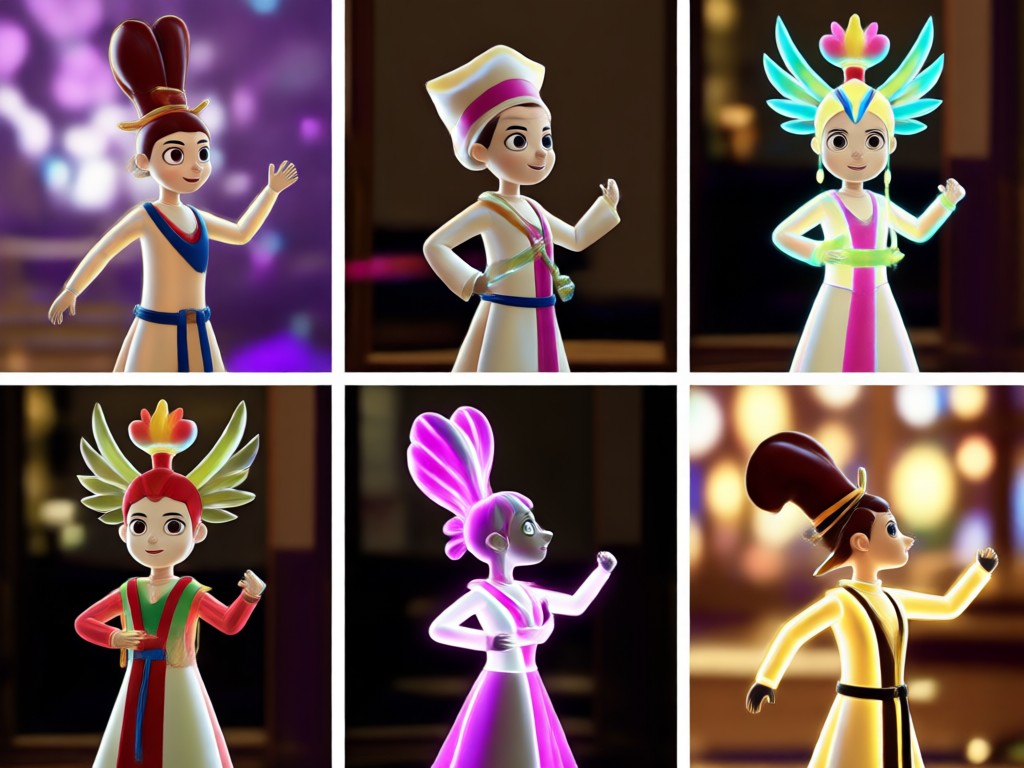
Text to 3D Video
Convert detailed written scenes directly into motion graphics. Describe the character, setting, and action to generate unique 3D clips instantly.
Text to 3D Video
Convert detailed written scenes directly into motion graphics. Describe the character, setting, and action to generate unique 3D clips instantly.
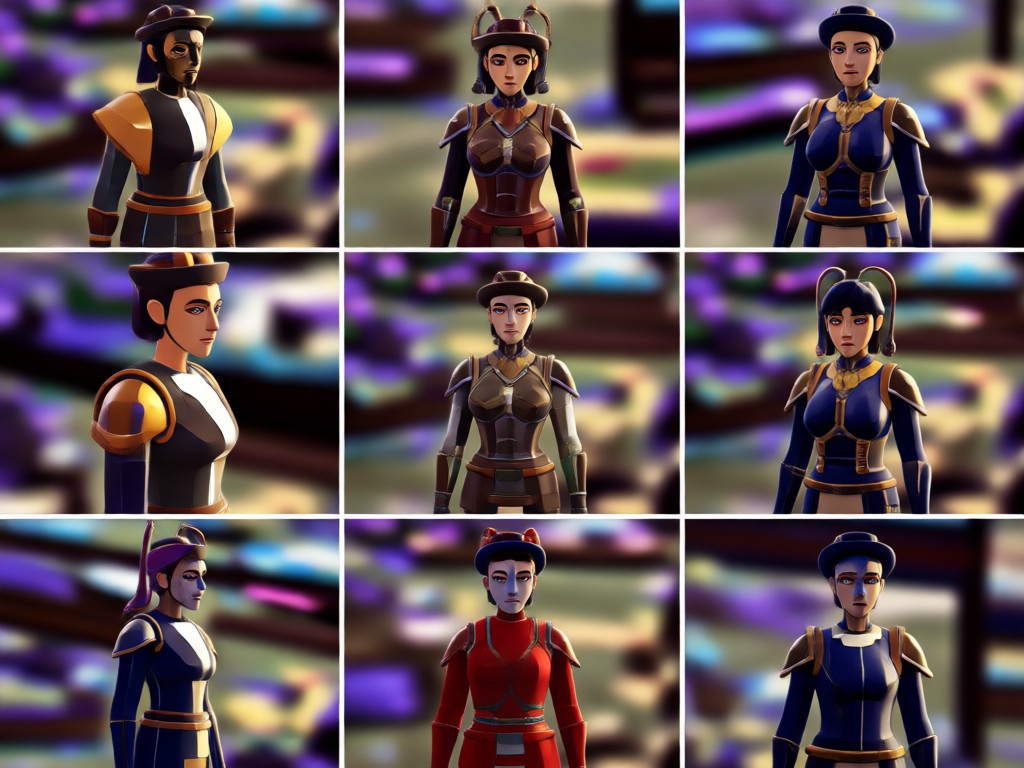
Style Transfer Animation
Upload an existing photo or image and apply animation styles like clay, Pixar, or anime. Watch static images come to life with realistic motion.
Style Transfer Animation
Upload an existing photo or image and apply animation styles like clay, Pixar, or anime. Watch static images come to life with realistic motion.
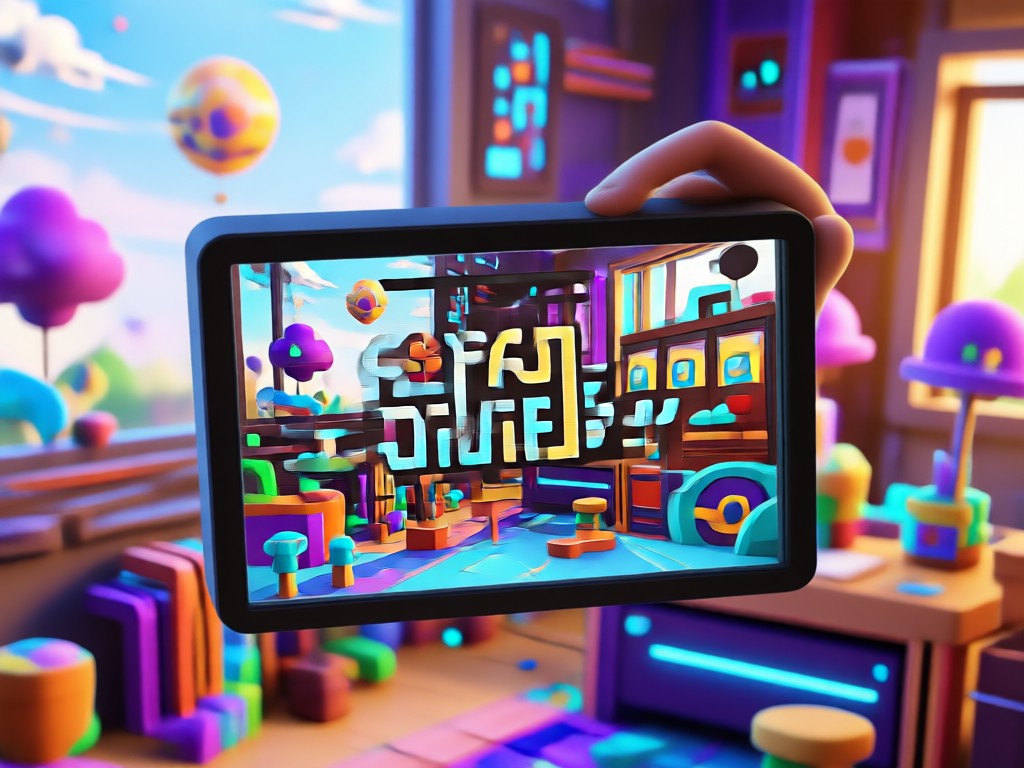
Cinematic Quality Output
Generate high definition videos with smooth frame rates and dynamic lighting. Ideal for short films, social media ads, and music videos.
Cinematic Quality Output
Generate high definition videos with smooth frame rates and dynamic lighting. Ideal for short films, social media ads, and music videos.
Inspiring 3D Animation Results
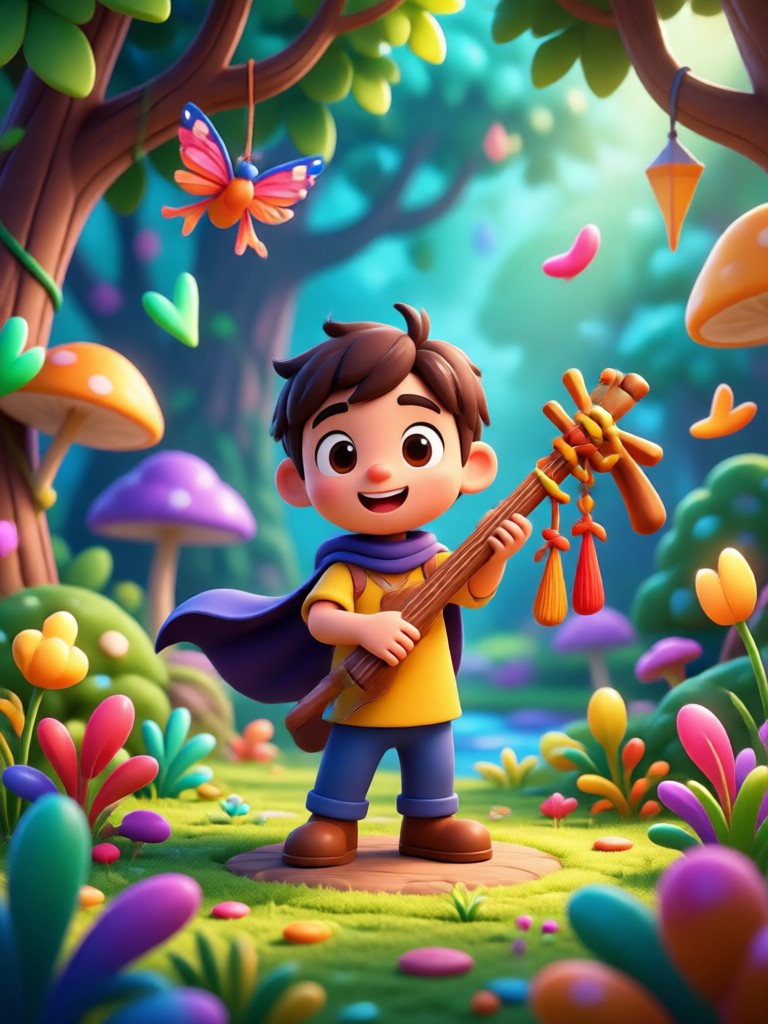
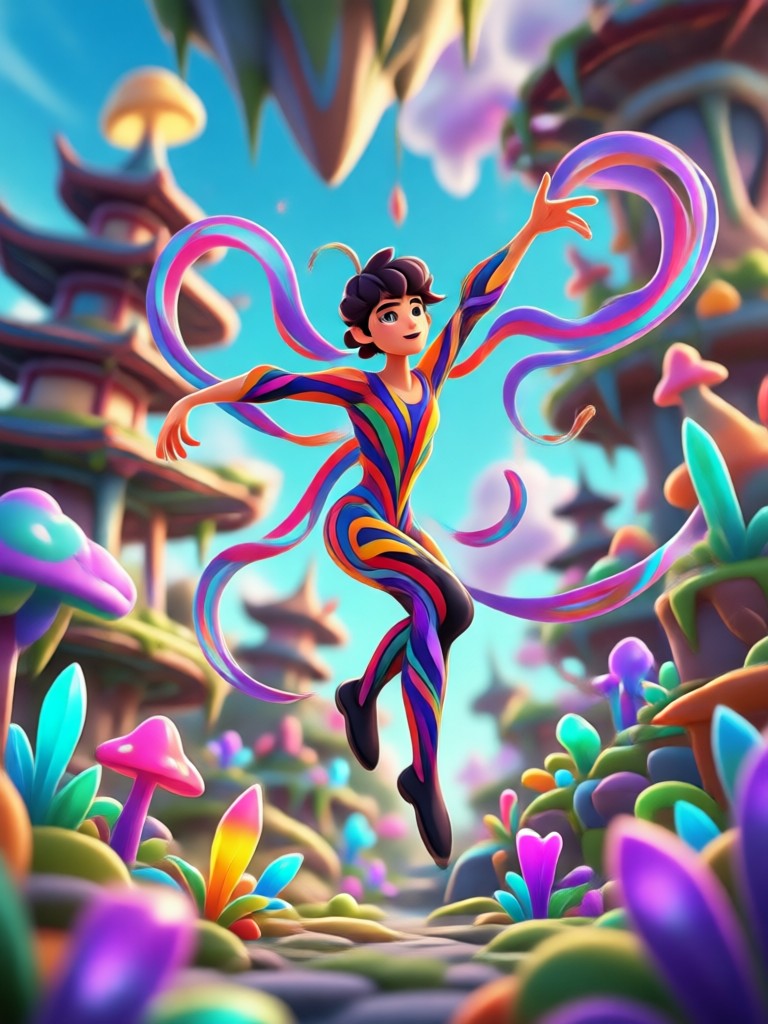
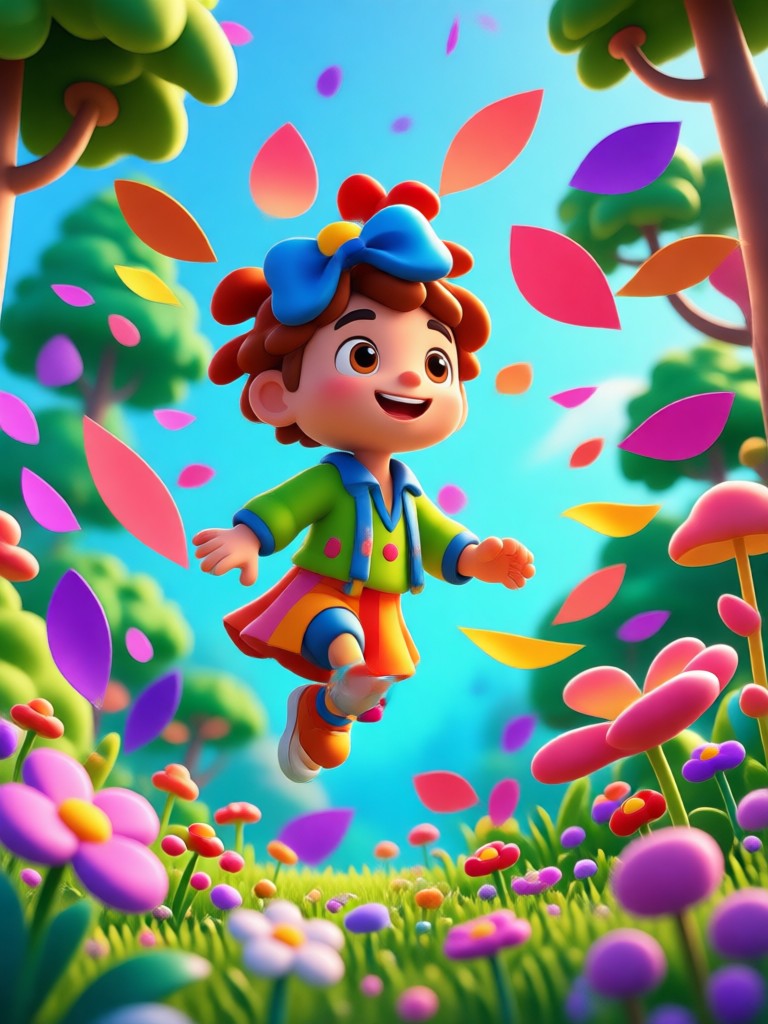
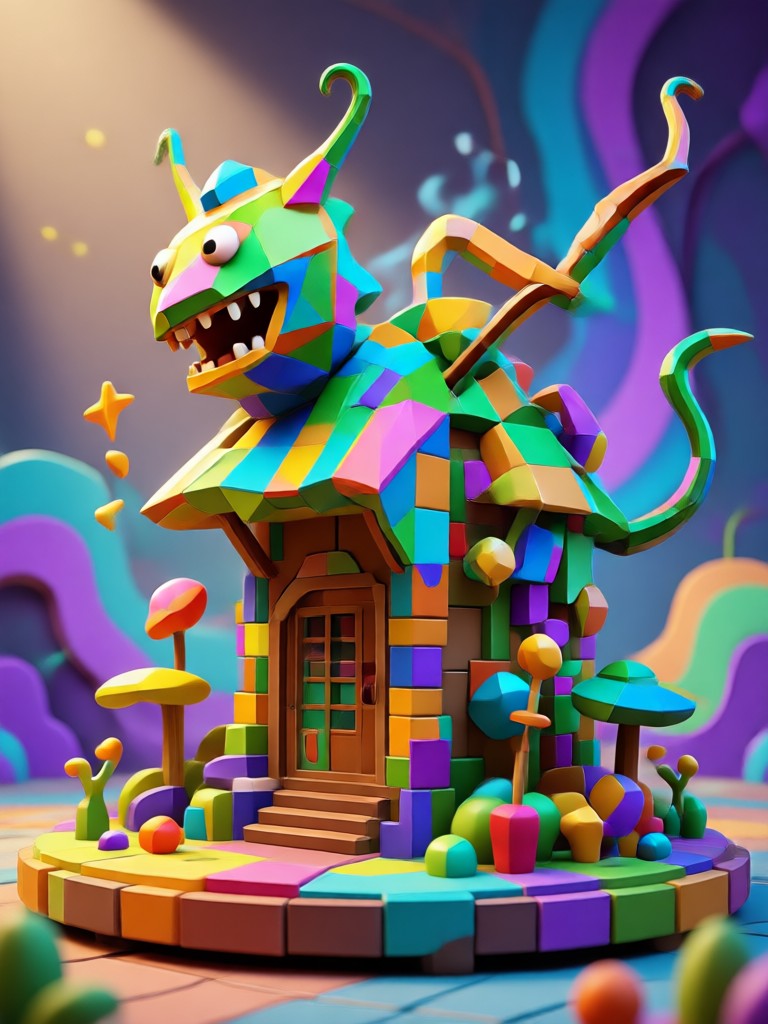
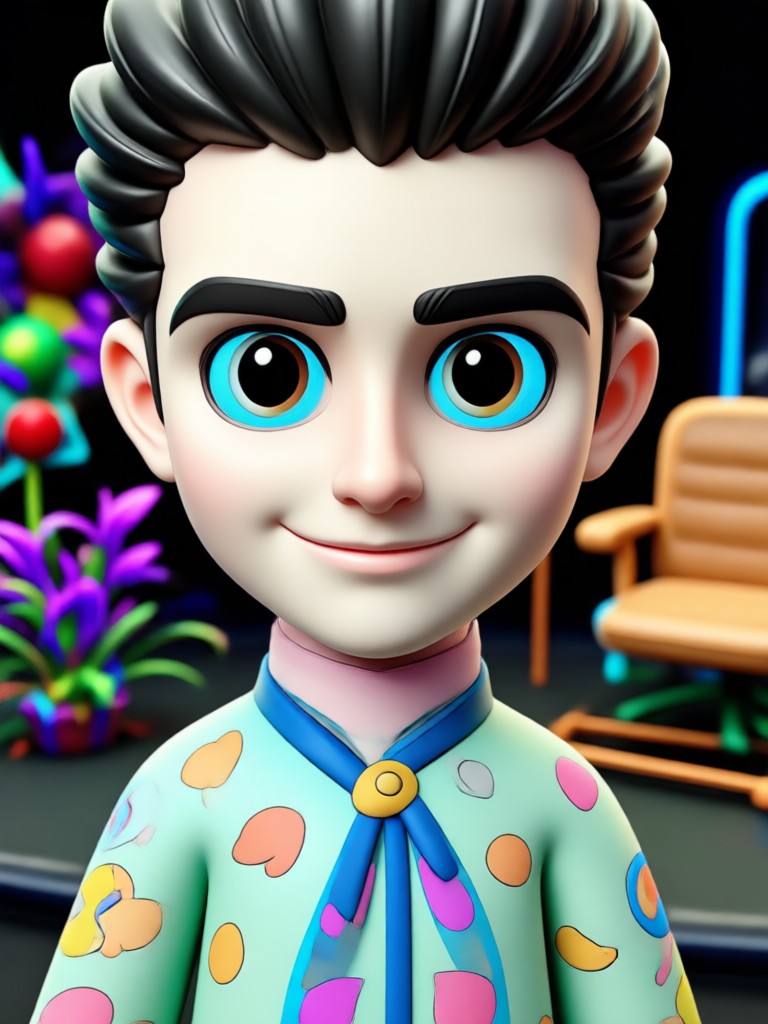
Take a look at what is possible when you combine precise 3D animation prompts with our powerful AI engine. These examples showcase different genres, from fantasy creatures to futuristic robotics, all generated within the mobile app.
How to Use 3D Animation Prompts Effectively
Creating professional looking 3D animations has never been easier. Follow these three simple steps to turn your textual ideas into moving videos.
Step 01.
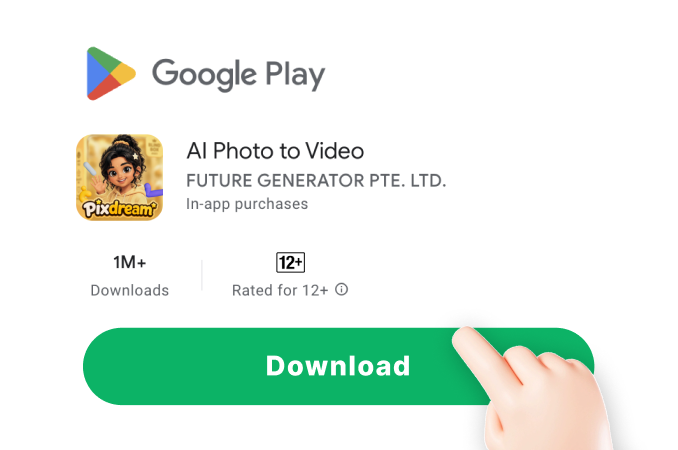
Download the PixDream app from Google Play. The app is optimized for mobile use, allowing you to create on the go.
Step 02.
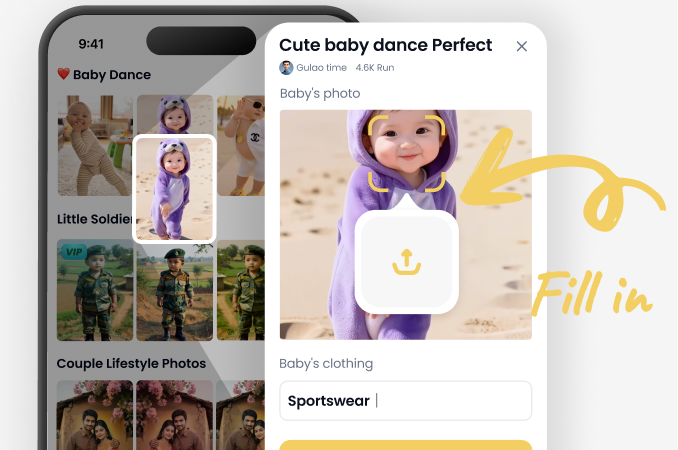
Enter your 3D animation prompt in the text field. Choose a matching style filter such as Claymation or Pixar to define the visual output.
Step 03.
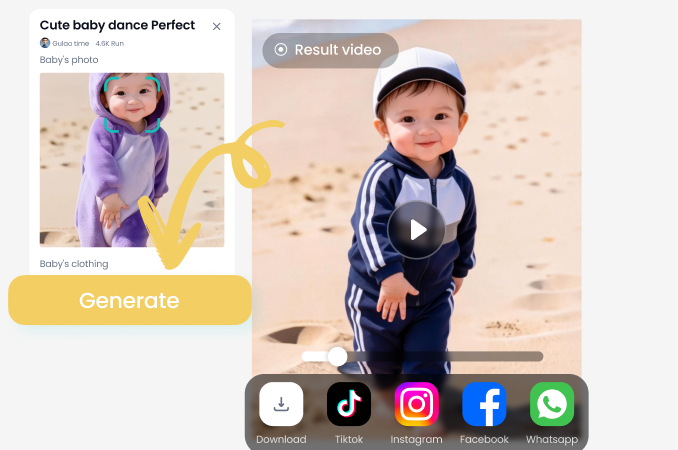
Tap generate and wait a few seconds. Download your new 3D animation video and share it directly to TikTok, Instagram, or YouTube.
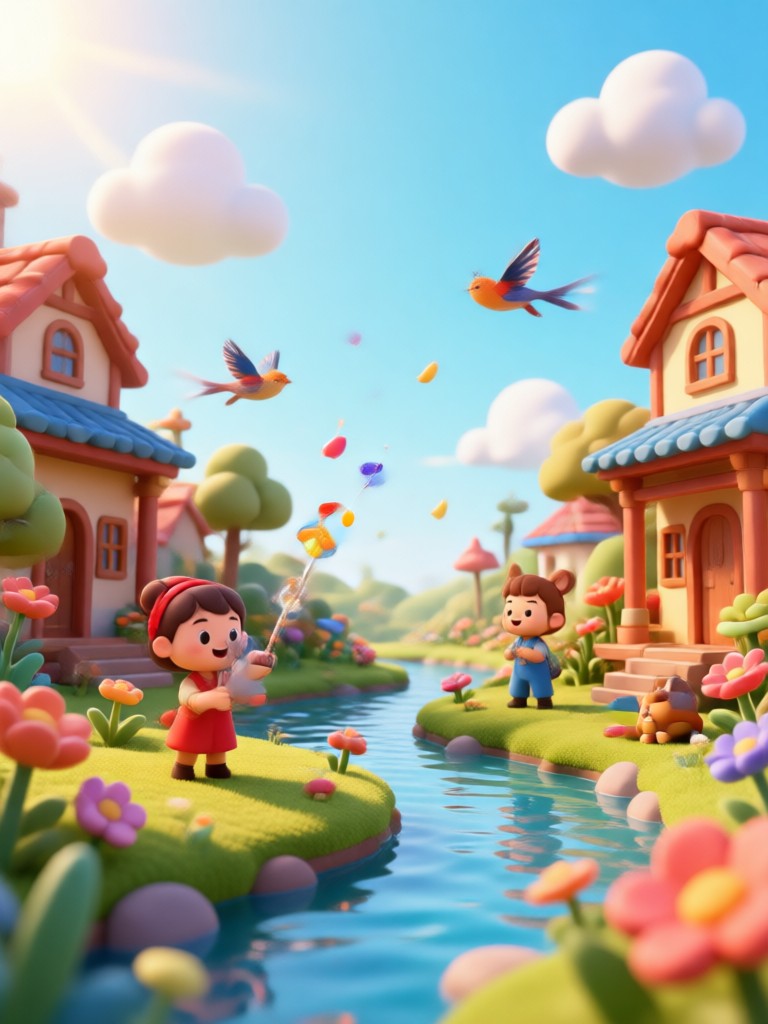
Advanced AI for 3D Animation Prompt Generation
Unlock the full potential of text to video AI. Generate complex 3D scenes with accurate physics, lighting, and character expressions right from your phone. Get the app to start creating stunning 3D animations today.

What Creators Say About Our 3D Prompts
Finally, 3D animation without the learning curve
I used to spend weeks trying to model a simple character in Blender. With PixDream, I just typed a prompt and chose the Pixar filter. The result was instant and looked better than my old renders.
Incredible for social media content
The claymation prompts are just incredible. I run a small bakery page and I generated a cute 3D video of a dancing croissant. It went viral and brought in so many new customers!
High quality sci-fi renders
Writing detailed prompts for cyberpunk scenes works perfectly. The lighting and neon reflections look genuinely cinematic. This app saves me so much freelance time.
Frequently Asked Questions About 3D Animation Prompts
Find clear answers to common questions about generating 3D videos with AI. Learn how to write better prompts and get the most out of the PixDream app.
More Topics You May Like
Explore more topics you may like and discover fresh ideas tailored to your interests.
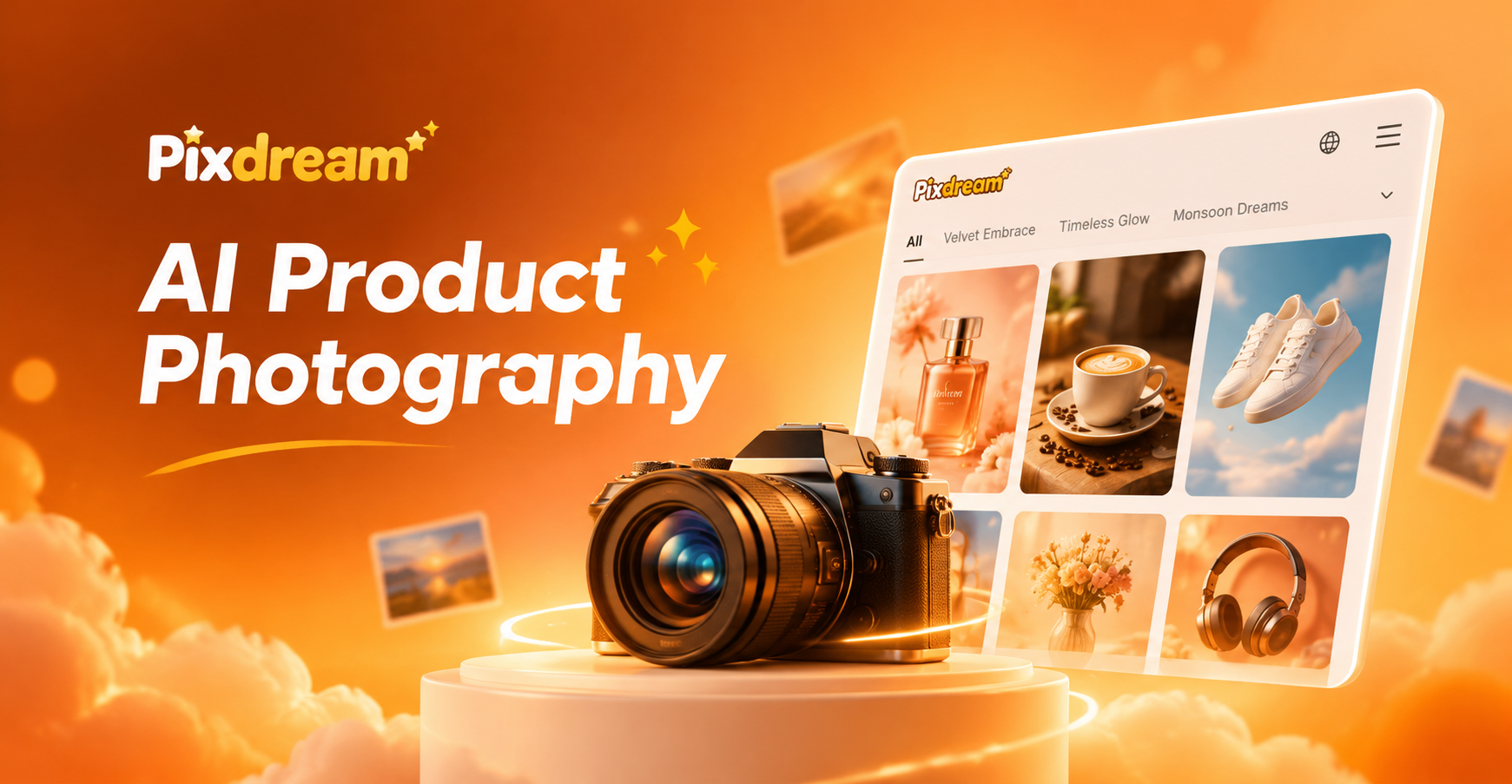
AI Product Photography Photo Prompts for Stunning Shots
Use AI Product Photography Photo Prompts to turn product shots into studio quality images. Upload a photo, apply lighting and background prompts, and download market ready visuals. Try Pixdream.
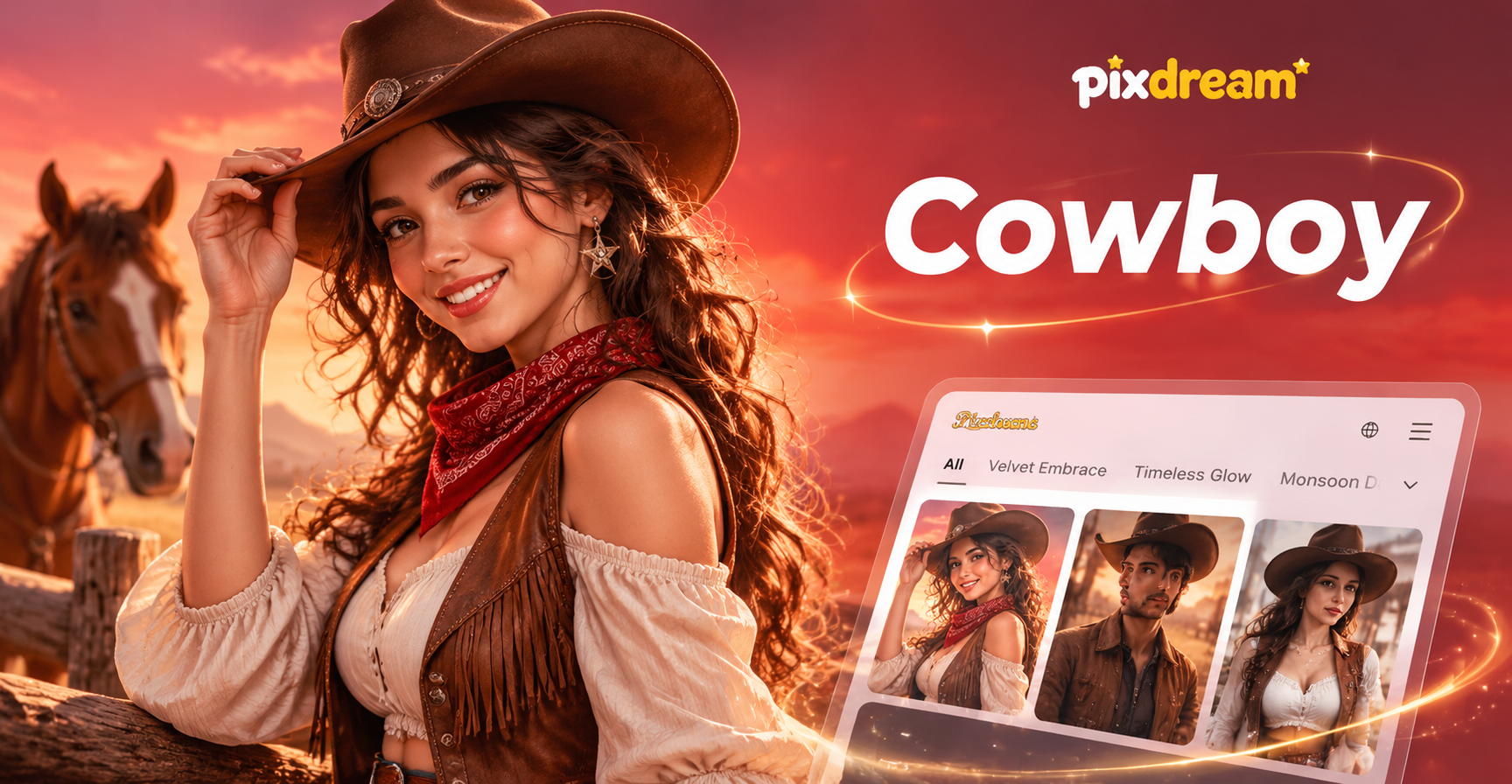
Cowboy Photo Prompts: Best AI Western Style Ideas
Use these cowboy photo prompts to create realistic western portraits, ranch scenes, and vintage cowboy looks. Copy, paste, and generate cinematic results in seconds.
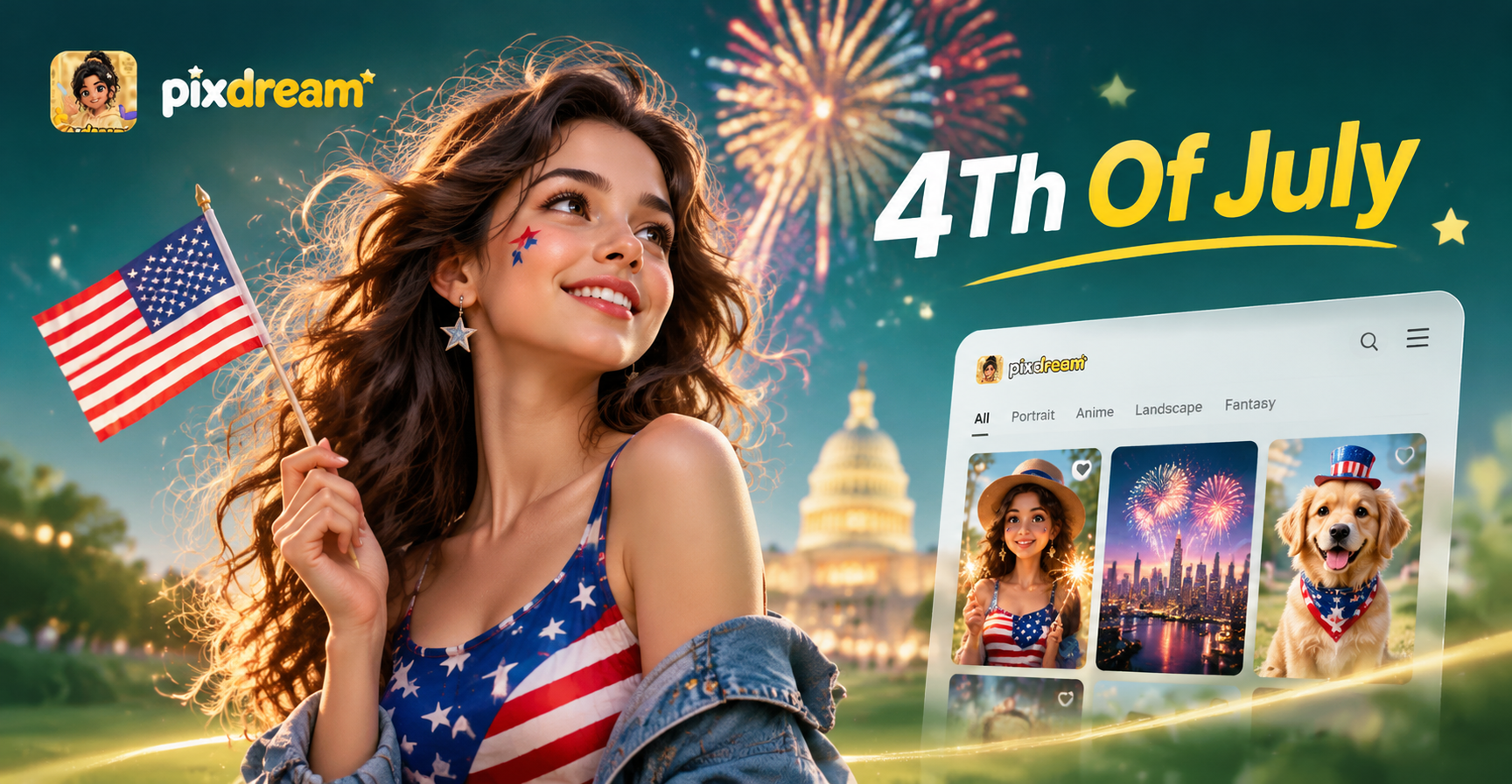
Create Patriotic 4th Of July AI Photos in Seconds
Use AI 4th of July photo prompts to create stunning patriotic images. Upload a photo, add fireworks and flag effects, and generate Independence Day photos. Download Pixdream.
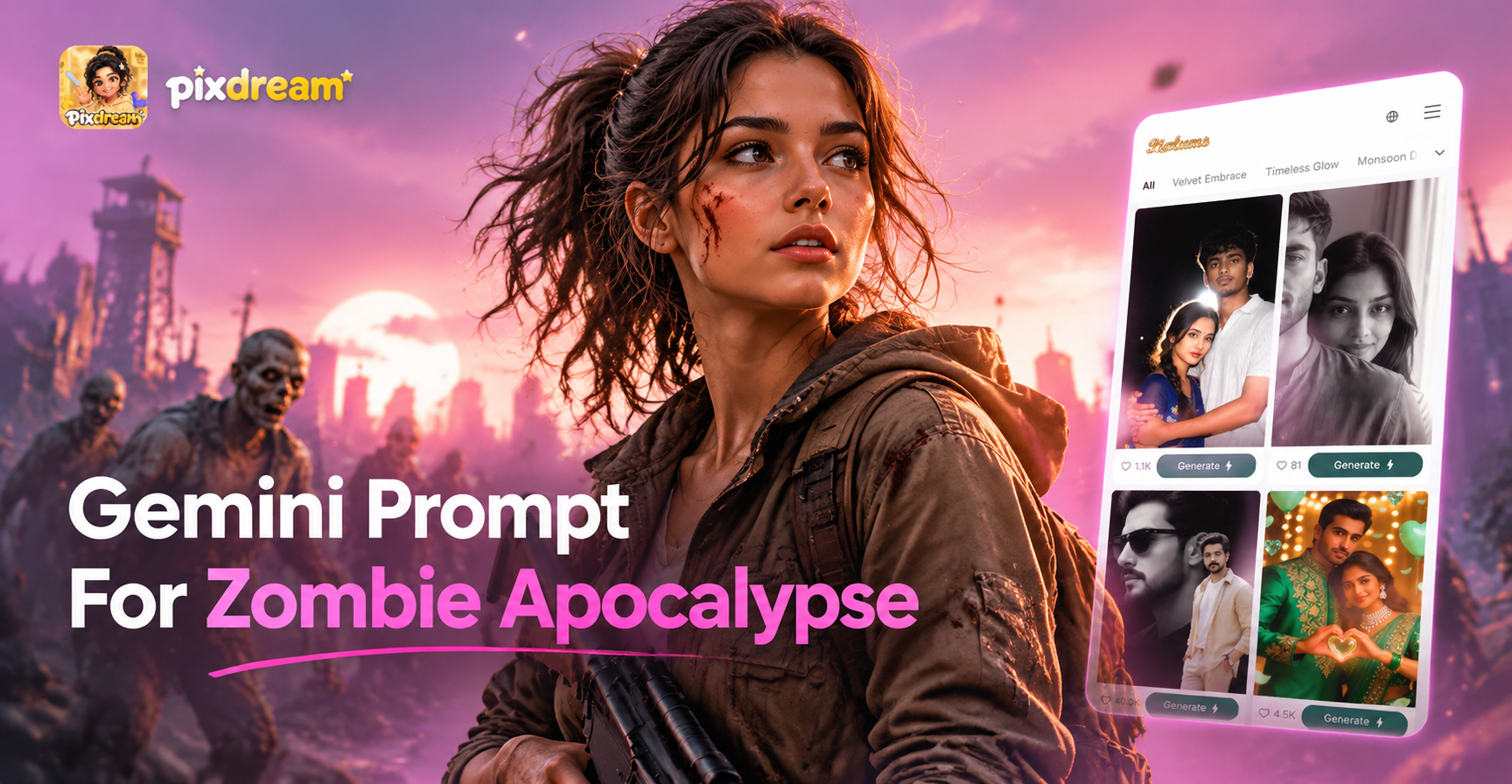
15 Best Gemini Prompts for Zombie Apocalypse Scenes
Discover the best Gemini prompts for zombie apocalypse scenes. Create stunning AI art, cinematic visuals, and immersive post-apocalyptic worlds with Pixdream.
Ready to Write Your First 3D Animation Prompt?
Download PixDream and transform your text into stunning 3D videos. Join thousands of creators using AI to tell stories without the complexity of traditional software.
Ready to Write Your First 3D Animation Prompt?
Download PixDream and transform your text into stunning 3D videos. Join thousands of creators using AI to tell stories without the complexity of traditional software.